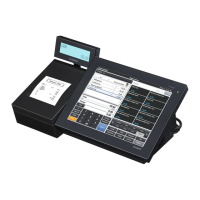
V-R100
– 32 –
3. COM1/2/3 Loopback
[Function]
Tests the COM ports.
[Wiring]
TxD
RxD
CTS
RTS
DTR
DSR
[Procedure]
(1) Connect loopback connectors to all COM ports.
(2) Touch "3" on the display panel.
(3) COM port 1 is tested and the display shows the test result.
(4) Touching any part of the display panel executes COM port 2 test and the display shows the
test resut.
(5) Touching any part of the display panel executes COM port 3 test and the display shows the
test resut.
(6) Push "Main display OFF/ON" switch to resume IOC MENU.
4. MCR
[Function]
Checks MCR.
[Procedure]
Not used.
5. Dallas
[Function]
Tests Dallas key.
[Procedure]
Not used.


 To Next Page
 Loading...