Getting Ready
E-8
Load two AAA-size alkaline batteries into each of the remote controllers: one YT-200 Control Box remote
controller, one YT-120 projector remote controller. Batteries are provided with the Projector System.
To load batteries: Open the battery cover on the back of a remote controller. Load the batteries making
sure their poles (+/–) are facing in the correct directions. Finally, replace the battery cover.
Important!
Important!
z To avoid running down the battery, store the remote control unit so its keys are not pressed
inadvertently.
z When batteries go dead, remove them as soon as possible and replace them with two new
AAA-size alkaline batteries.
The initial settings of each projector need to be configured individually.
z Perform the procedure below after placing the Projector System in the location where it will be used,
after connecting cables, and after preparing the remote controllers.
z For information about which projector is Projector A and which one is Projector B, see “Wiring” (page
E-7).
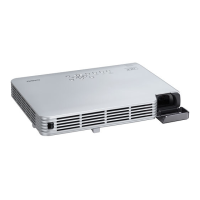
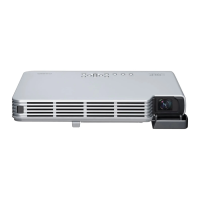
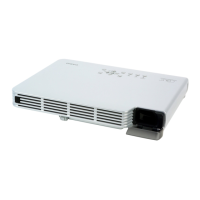
To configuring the initial settings of the two projectors
1. Unplug the power cord of Projector B from the power outlet so only Projector A is
plugged in.
2. Remove the Projector A lens cover.
3. On the remote controller, press the [P] (Power) key to turn on Projector A.
4. After projection starts, use the Projector A focus ring to focus the projected image.
5. On the “Language” screen that appears, select the display language you want to
use.
6. On the remote controller, press the [INPUT] key. On the “Input” dialog box that
appears, select “HDMI” and then press the [ENTER] key.
Preparing the Remote Controllers
Configuring the Initial Settings of the Two Projectors
Perform the operations below using the projector remote controller (YT-120). Note that these
operations cannot be performed using the Control Box remote controller (YT-200).



 To Next Page