Castles Technology Co., Ltd. Confidential • All Right Reserved. Pg. 9
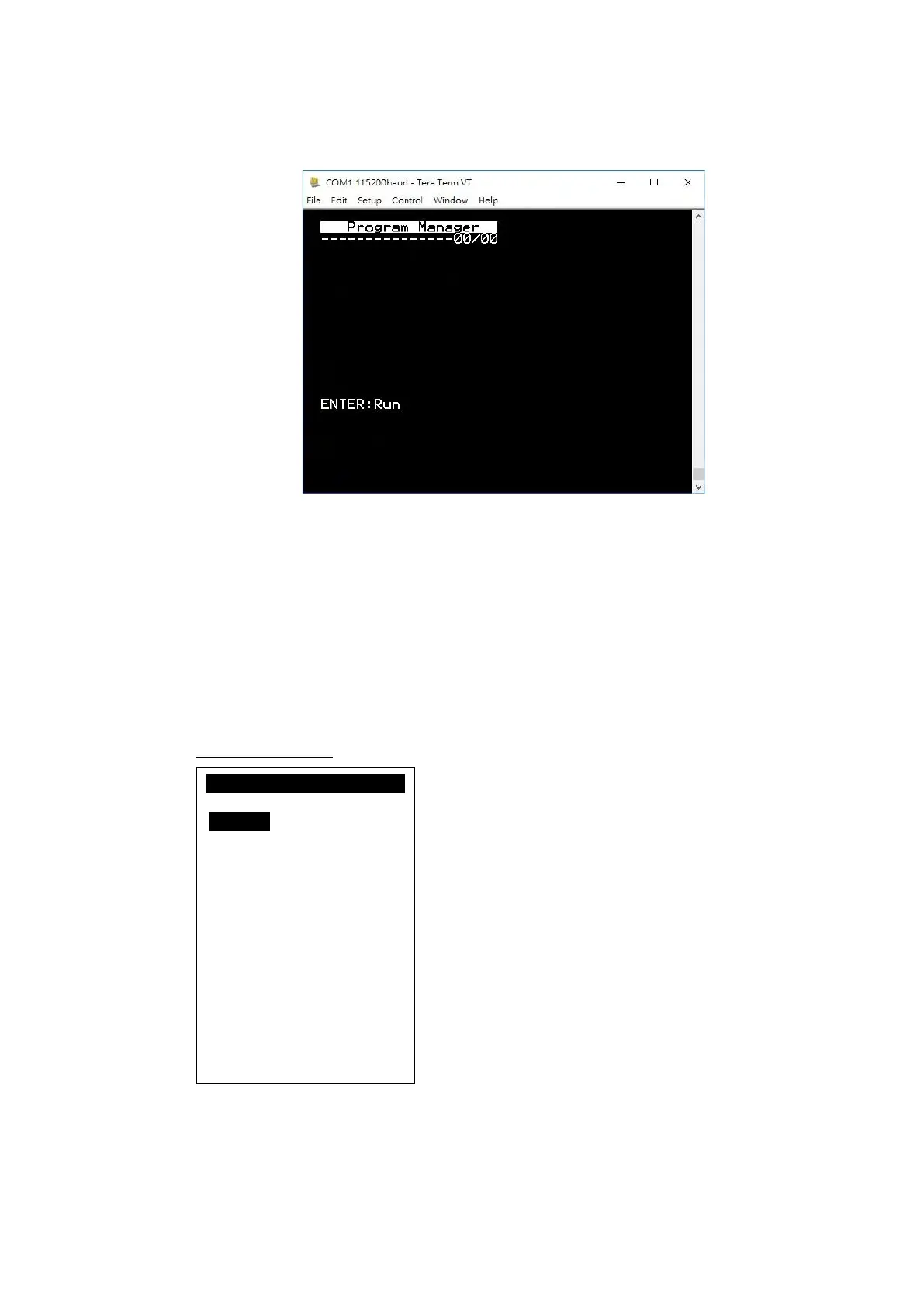
▪ Press any key on keyboard to refresh screen if doesn’t show “Program
Manager” on “Tera Term” or PuTTY“.
Once the power is on in normal status, UPT1000F will enter Program Manager if
no default application selected. All user applications are listed in Program
Manager. User can select an application and run the application, view the
application info, delete the application, or set application to the default one to run
once the power is on. Users may enter System Menu to configure UPT1000F
settings.
Program Manager
▪ Press [0] button to enter System Menu.
▪ Press [1] button to toggle default application selection.
Program Manager
-----------01/02
1.App1
2.App2
0:Download



 To Next Page