Scale Reset Instructions
7
Empty the ceramic bowl to ensure there's nothing in the bowl.
Place the ceramic bowl properly.
*Handle with care, to protect the weighing sensor placed at the bottom of the bowl tray, and to extend the
service life of the weighing sensor to ensure data accuracy.
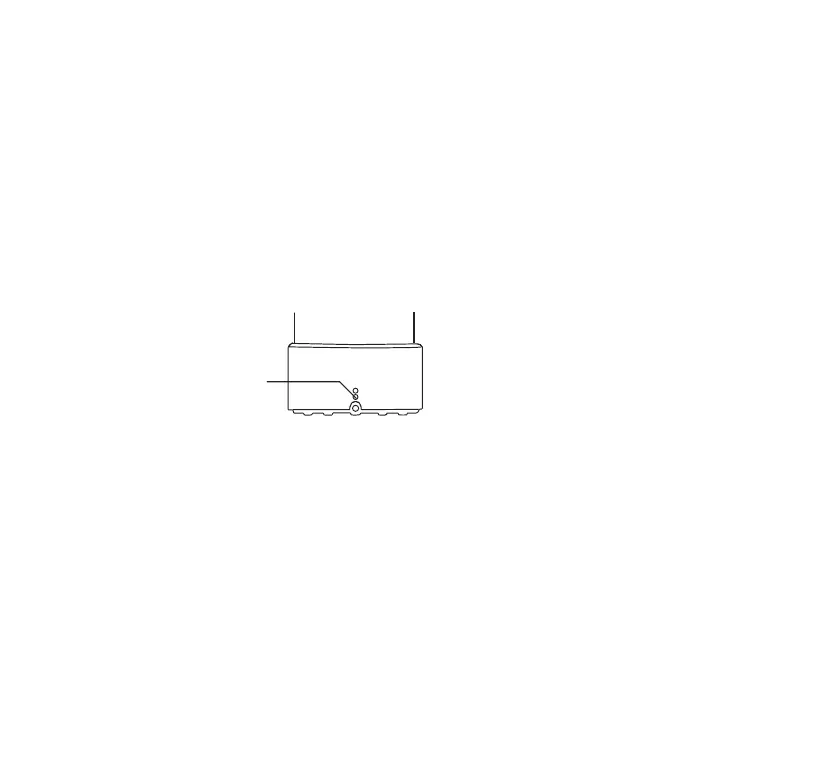
Long press the scale reset button until there is a beep sound and the LED light indicator flashes in blue; then
release the button.
*Please refer to the weight data on the Catlink App. When the weight data on the App shows 0, the scale
has been reset.
After completing the steps above, the ceramic bowl has been weighed and reset to zero.
The scale reset button on
the back of the feeder
1.
2.
3.
4.



 To Next Page