46
The full history of all alarms registered during
the entire period of operation can be viewed
through the ‘EVENTS LOG’ tab.
The operation cycles are recorded, and
can be viewed by clicking on the “ODO
COUNTERS’ tab.
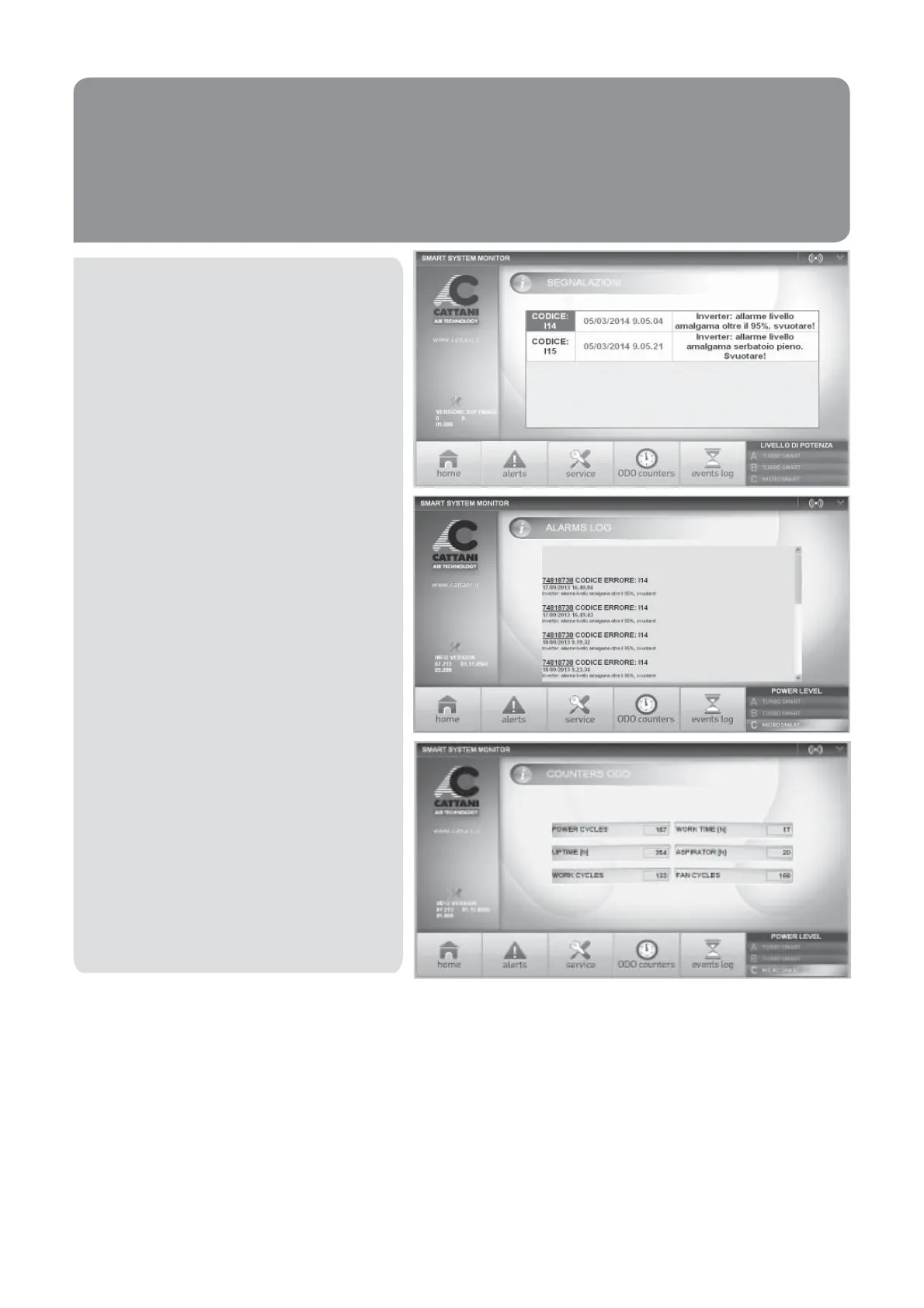
Any alarms generated through the day are
displayed with an error code and description
in the ‘ALERTS’ tab.


 To Next Page