CommandPro
®
23 Series
User Manual
7. Operation
When operating any remote control system, ensure that all safety measures are followed. Before activating the
system, make sure personnel are clear of the equipment and that it is safe for the equipment to operate.
Make sure the vehicle is properly secured and prepared for the equipment to operate.
7.1 Receiver Operation
If the receiver is on a separate power switch, turn on the receiver power before using the transmitter.
When finished with the job, make sure the power to the receiver is turned off.
7.2 Transmitter Operation
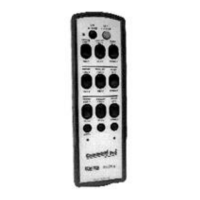
Press the OFF/E-STOP button to stop all functions.
1. Press and release the ON button. Verify that the status LED starts flashing at a low rate (the ACTIVE light
on the receiver lights and the Signal LED flashes).
2. Press the required switches to operate the desired motion. Note that more than one motion can be
controlled at any time.
3. To stop sending any command, release the switch.
4. To turn the transmitter off, press the OFF button (Note that if Auto Off is enabled, the transmitter turns
itself off if no commands are sent for a predetermined time).


 To Next Page
