4 Installation
4.1 Software installation
Recommended computer properties are listed in Table 4.1:
Table 4.1. Recommended computer properties.
If applicable, please uninstall old software version completely before installing new software
version!
Insert the CAVITAR Capture software CD into the CD drive and run the setup file (if the
setup doesn’t start automatically).
In some cases it may be necessary to disable firewall and/or virus software. As an example, in
Windows 10 the “Check apps and files” feature under Windows Security App & Browser
Control may need to be turned off. Please consult your IT support if needed.
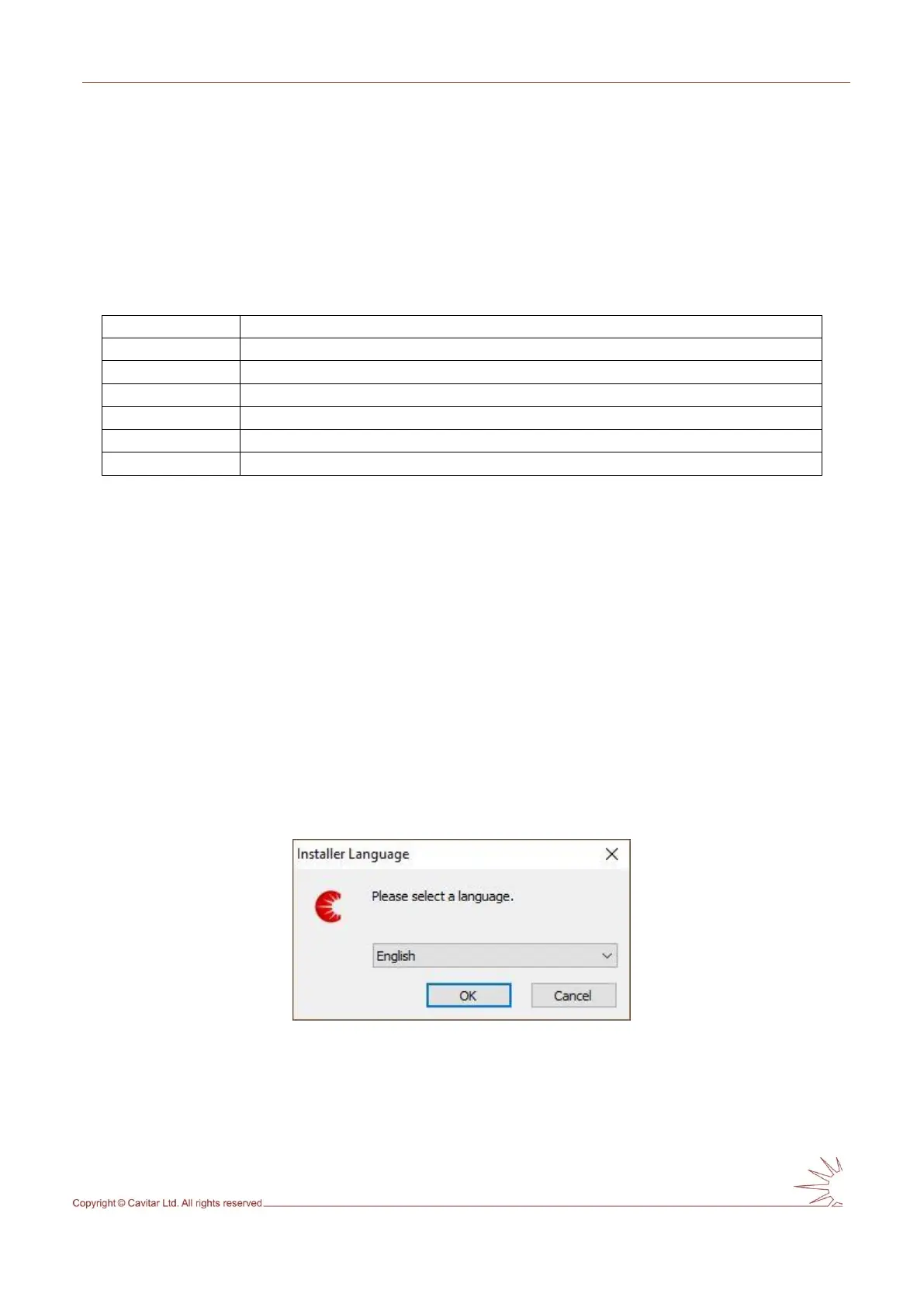
The screenshots below show a typical installation procedure for Windows 10. The actual
appearance of the windows may vary.
Fig. 4.1. Select language and click “OK”.



 To Next Page