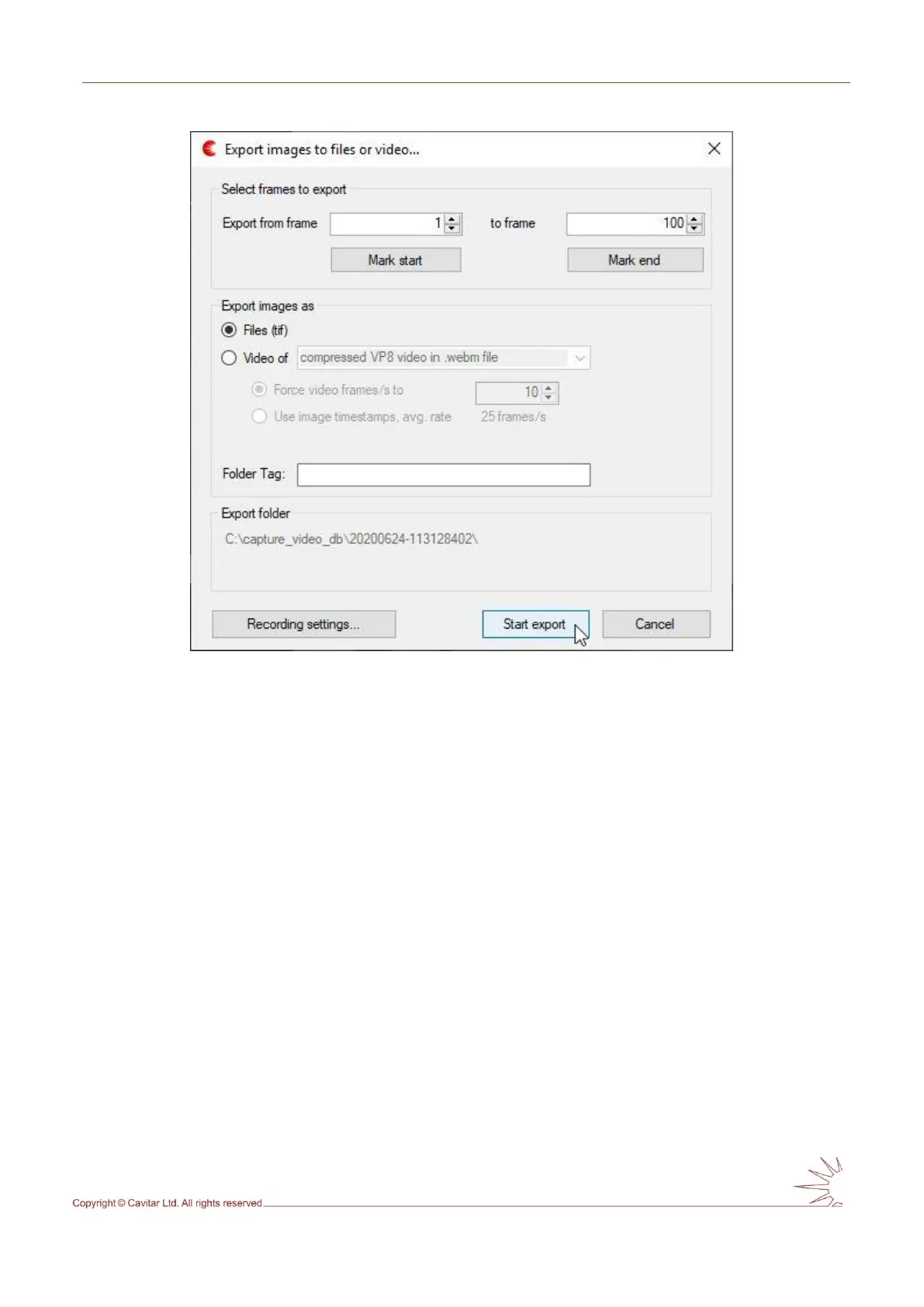
Fig. 5.24. Export window.
In the export window it is possible to:
determine which frames will be saved
o pressing “Mark start” will set the current image as the first image to be saved
o pressing “Mark end” will set the current image as the last image to be saved
choose whether the frames will be saved as separate files or as a video
add a folder tag, if desirable
view (and modify, if needed) the recording settings
5.2.11 Snapshot
Snapshot means the capture of a single frame. Snapshot can be taken by pressing the
“Snapshot” button on the left-hand side of the “REC” button (see Fig. 5.10C). Before taking
snapshots it is good to set the snapshot settings by selecting “Snapshot…” from “Settings”
menu (see Fig. 5.25).



 To Next Page