After receiving the registered file from Cavitar, start CAVITAR Capture. The screen shown in
Fig. 5.1 will appear. Click “Load” and select the file sent by Cavitar. After this a notification
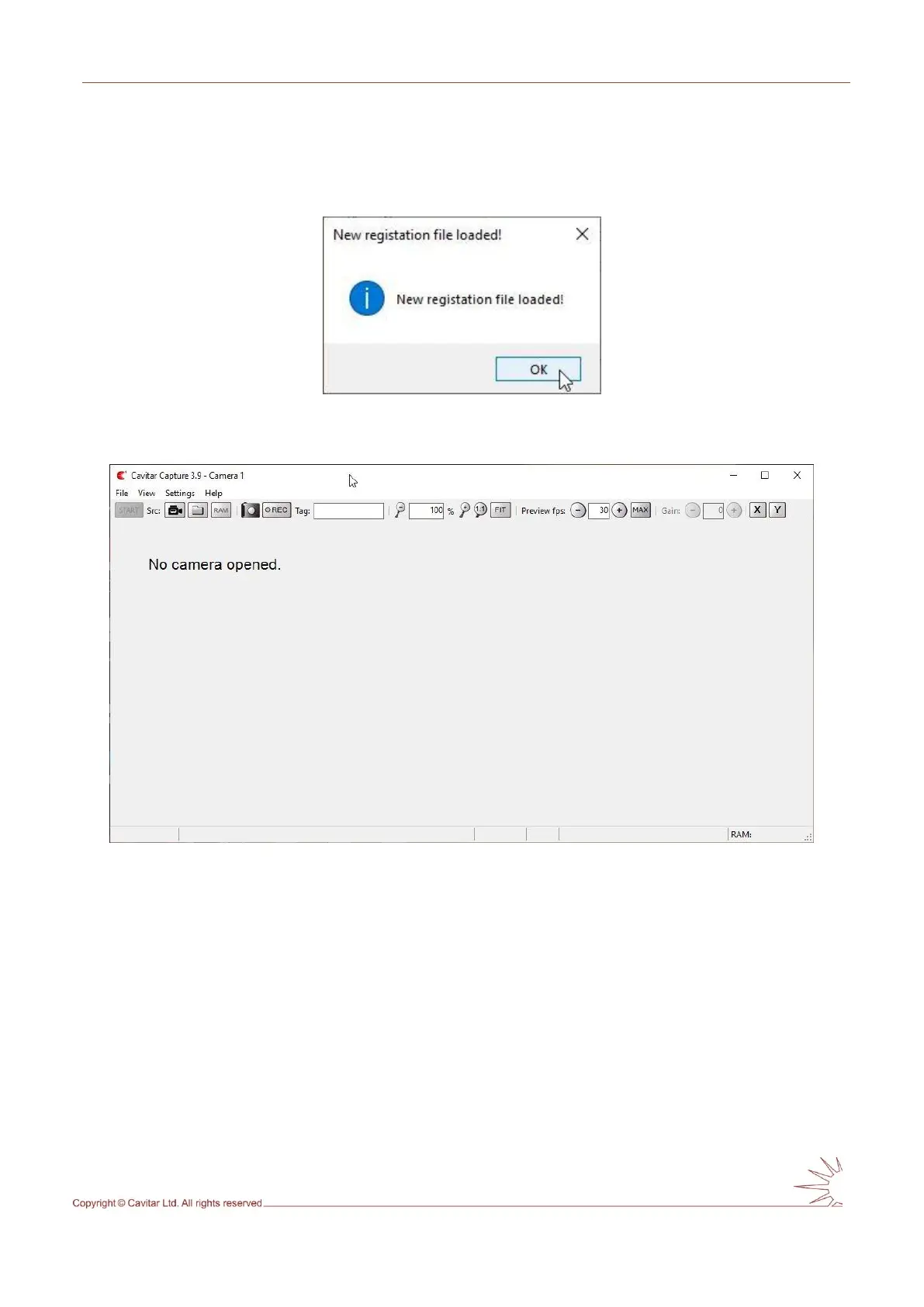
appears (see Fig. 5.6) and CAVITAR Capture starts after pressing “OK” (see Fig. 5.7).
Fig. 5.6. Registration completed successfully.
Fig. 5.7. CAVITAR Capture user interface.



 To Next Page