Basic Operation
Please make sure the AC voltage of your local power supply match the voltage
information printed on the back panel and make sure all equipment are connected
correctly.
1. Startup Operation
u Turn on the power switch on rear panel, the player will power up and enter
standby mode.
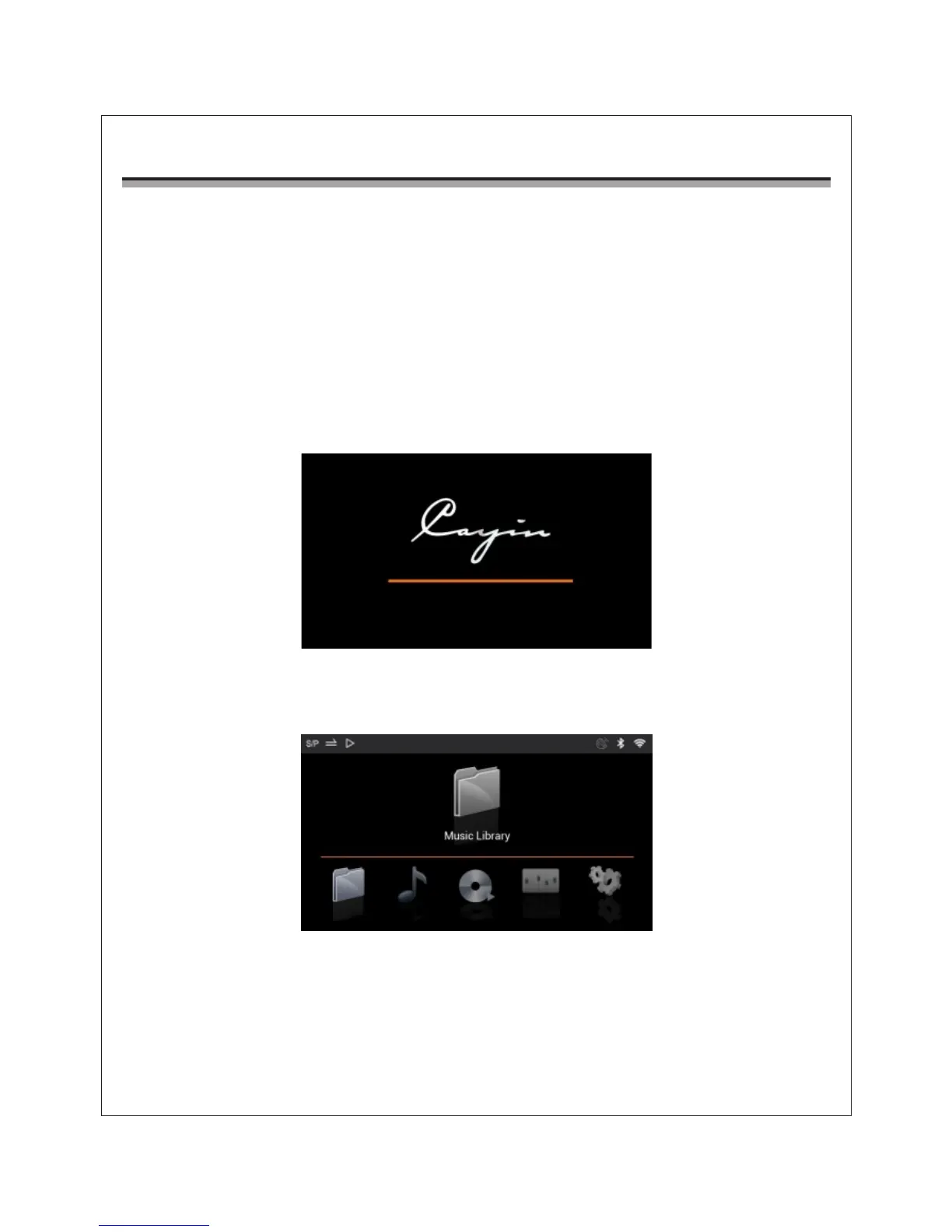
u Hold on the front panel power button, and its indicator light will turn on, and the
screen will display startup logo as below:
2. Main Menu
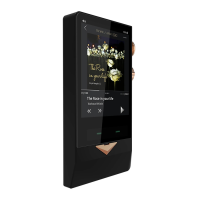
The Player enters main menu after startup and display five functional icons.
Rotate MENU button to select the desired icon and push MENU button once to
enter, the player will display the options available in each menu.
9


 To Next Page