EasyManua.ls Logo

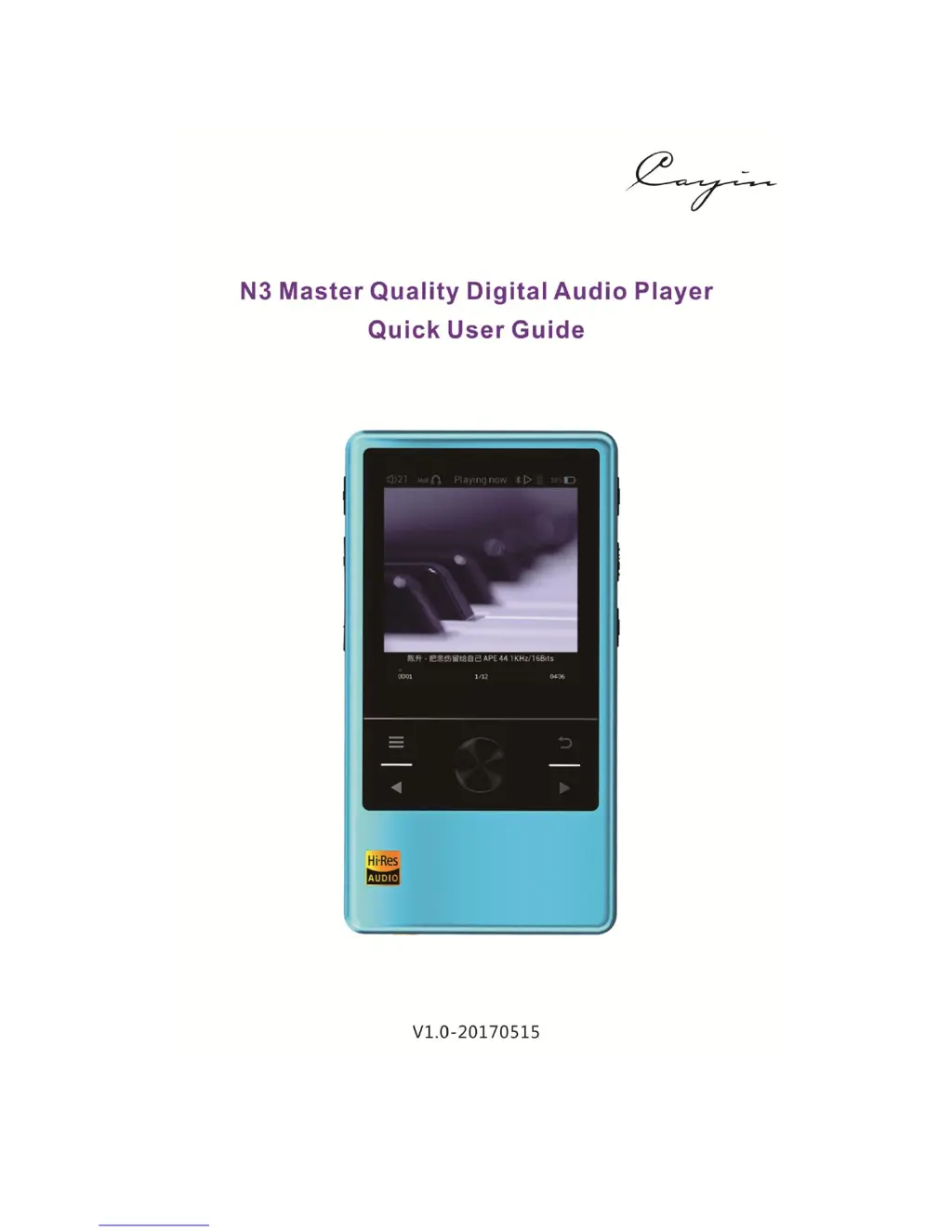
Cayin N3 - User Manual

Cayin N3
14 pages
Print Icon
To Next Page IconTo Next Page
Loading...

Questions and Answers

  • P
    Pamela LaneJul 27, 2025
    How to fix Cayin MP3 Player that is unable to turn on?
    • T
      Tina Hayes MDJul 27, 2025
      If your Cayin MP3 Player won't turn on, it's likely that the battery is completely discharged. Connect it to a power source and allow it to charge. Once it has gained sufficient charge, attempt to power it on again.
  • C
    Courtney BarronAug 2, 2025
    What to do if there is no sound from headphones on Cayin N3 MP3 Player?
    • K
      Kristin VargasAug 2, 2025
      If you're not getting any sound from your headphones with your Cayin MP3 Player, here are a few things to check: 1. Make sure the volume isn't set too low. Adjust it to a comfortable listening level. 2. Test your headphones with another device to ensure they work correctly. Also, ensure the headphone cable is fully plugged into the player. 3. The music file itself might have a very low output level. Try playing other music files to see if the issue persists.
  • S
    Shannon SmithAug 8, 2025
    What to do if Cayin N3 MP3 Player system halt?
    • J
      Jordan JonesAug 8, 2025
      If your Cayin MP3 Player freezes, try the following: press and hold the power button until the player restarts. Alternatively, use a non-metal pin to activate the reset button directly.
  • M
    Michelle HardyAug 14, 2025
    How to fix Cayin N3 file name has no suffix?
    • J
      Jesse NashAug 15, 2025
      If your Cayin MP3 Player displays file names without suffixes, it could be due to parsing from an inappropriate Cue file. Try updating the music library.
  • A
    Adam EvansAug 20, 2025
    Why USB DAC cannot be recognized on Cayin N3 MP3 Player?
    • P
      pmercadoAug 20, 2025
      To resolve this issue, install the appropriate USB Audio driver for your Cayin MP3 Player. Then, in your PC music playback software, select the N3 as the system output device.

Summary

Control Buttons and Connectors

Display and Menu Navigation

Music Settings Configuration

Adjusts audio quality, equalizer, playback modes, output selection, and other audio parameters.

Advanced Features and Charging

Gain Settings Adjustment

Adjust audio output gain (HdB, MdB, LdB) to match headphone sensitivity.

Charging Procedures

Instructions and recommendations for charging the player's battery effectively and safely.

Firmware Upgrade

Firmware Upgrade Notice

Important warnings and considerations before proceeding with firmware updates.

Firmware Upgrade Steps

Detailed instructions on downloading, preparing, and installing new firmware.

Safety Information and Troubleshooting

Product Safety Guidelines

Precautions for handling the player and avoiding damage from environmental factors.

Troubleshooting Common Issues

Solutions for common problems such as power issues, sound problems, and file playback errors.

Technical Specifications

Cayin N3 Specifications

General IconGeneral
Battery LifeUp to 12 hours
DACAK4490EN
Headphone Output3.5mm
Display2.4-inch IPS LCD
StorageMicroSD card (up to 256GB)
ConnectivityBluetooth 4.0
DSD SupportDSD
BluetoothBluetooth 4.0 with aptX
Frequency Response20Hz - 20kHz
Supported FormatsDSD, FLAC, WAV, APE, MP3, WMA, OGG
Outputs3.5mm headphone jack
Dimensions100mm x 54mm x 13mm

Related product manuals