EasyManua.ls Logo

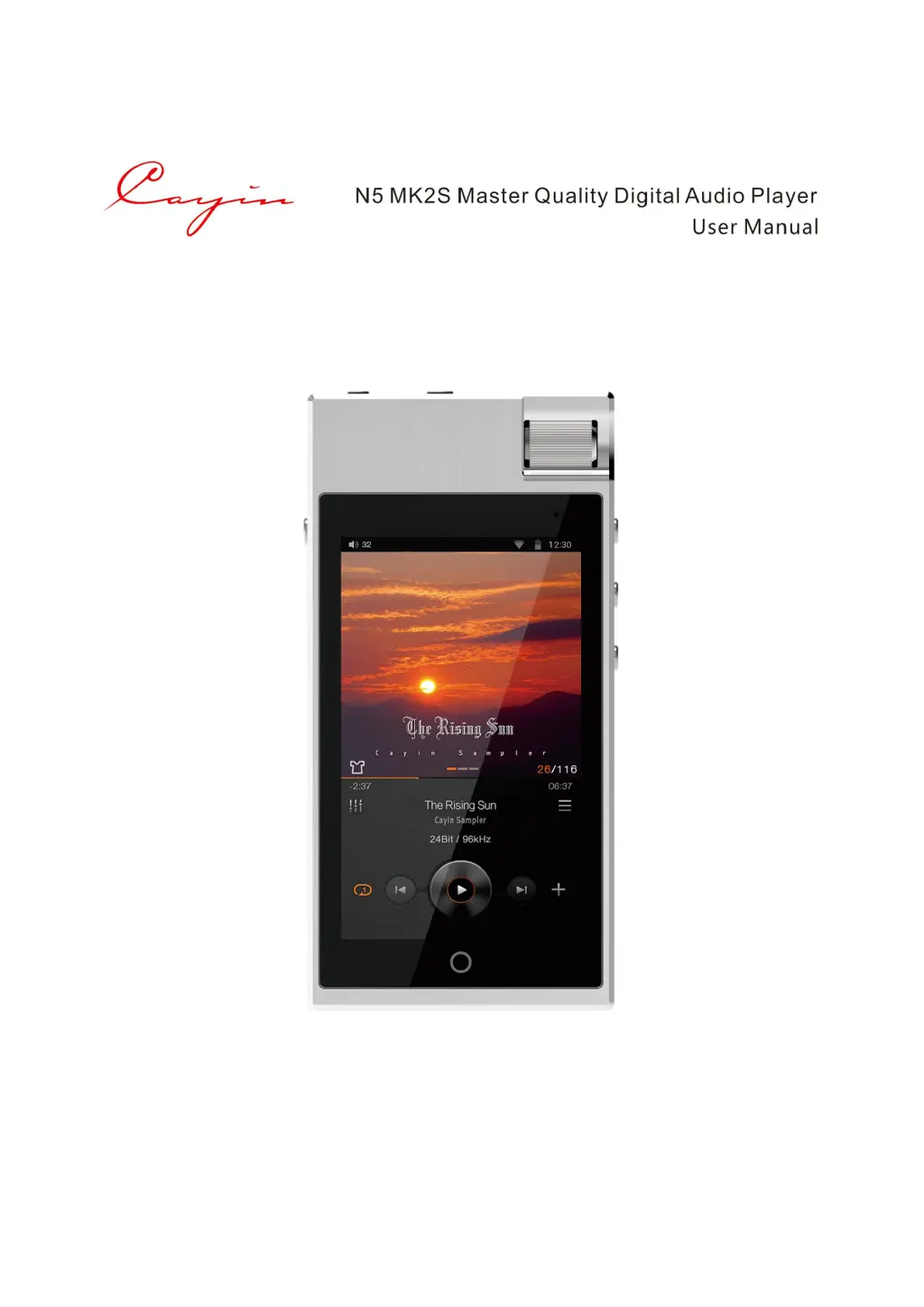
Cayin N5 MK2S - User Manual

Cayin N5 MK2S
15 pages
Print Icon
To Next Page IconTo Next Page
Loading...
1 / 15
V1.0-20180925

Questions and Answers

  • D
    Donna SingletonAug 1, 2025
    Why does my Cayin N5 MK2S MP3 Player power off suddenly?
    • A
      andrew49Aug 1, 2025
      If your Cayin MP3 Player suddenly powers off even when the battery indicator shows sufficient charge, this could be due to an inaccurate battery gauge. To resolve this, calibrate the battery by fully discharging it and then immediately fully charging it.
  • U
    umcdonaldAug 5, 2025
    What to do if there is no sound from headphones on Cayin N5 MK2S MP3 Player?
    • L
      Lindsey LeeAug 5, 2025
      If you're not getting any sound from your headphones on your Cayin MP3 Player, here are a few things to check: 1. Make sure the volume isn't too low; adjust it to a comfortable level. 2. Try a different set of headphones to rule out damage or connection issues with your current headphones, and ensure all cables are firmly connected. 3. The music file itself might have a low output level. Try playing other music files to see if the problem is specific to that file.
  • T
    Tammy KleinAug 9, 2025
    What to do if Cayin MP3 Player system halt?
    • M
      Martin LawrenceAug 9, 2025
      If your Cayin MP3 Player is experiencing a system halt, press and hold the power button to restart the player.
  • D
    Donna ParkerAug 13, 2025
    Why Cayin N5 MK2S MP3 Player USB DAC cannot be recognized?
    • S
      Sierra RayAug 13, 2025
      If your Cayin MP3 Player can't recognize the USB DAC, it might be because the driver hasn't been installed or set up correctly. Install the appropriate USB Audio driver and select the N5 MK2S as the system output device in your music playback software on your computer.
  • A
    adunnAug 18, 2025
    What to do if Cayin MP3 Player has file playback error?
    • C
      collinsangelaAug 18, 2025
      If your Cayin MP3 Player shows a file playback error, the music file on your TF card may have been removed or deleted. Update your music library to resolve this.
  • R
    Reginald CoxAug 22, 2025
    Why Cayin MP3 Player unable to display filename?
    • C
      Connor KingAug 22, 2025
      If your Cayin MP3 Player is unable to display a filename, the player might not support the file format, or the music file could be broken. Check the acceptable file formats supported by the player, or try playing other music files.
  • D
    Danny HardyAug 27, 2025
    Why does filename have no suffix on Cayin N5 MK2S?
    • B
      Brenda CarneyAug 27, 2025
      If a filename on your Cayin MP3 Player has no suffix, this can occasionally happen when parsing from an inappropriate Cue file. Edit the cue file to correct this.

Summary

Introduction to N5 MK2 S

Packaging and Accessories

Lists the accessories included in the package for the Cayin N5 MK2S player.

Control and Operation

Details the physical controls and their functions on the Cayin N5 MK2S player.

Connect to other devices

Explains how to connect headphones, line out, computers, and memory cards.

Power Management

Details how to charge the device and battery care recommendations.

Add Music Files to Player

Internal Storage

How to copy music files to the player's internal storage via MTP.

Expandable Storage

Copying music files to a TF card for use with the player.

OTG Storage

Using external storage via Type-C for music playback.

Streaming

Playing music from streaming services like Tidal or Spotify.

Networking

Accessing music from NAS or shared folders over WiFi.

Listen to Music

Select Music Files

Describes how music files are organized and browsed on the player.

Playback

Covers playback controls, themes, progress bar, and equalizer settings.

Networking Tools

WiFi & BT

Explains how to connect to Bluetooth devices and WiFi for streaming.

Private Cloud

Describes how to search, browse, and play music from NAS or shared folders.

Third-Party Applications

Installation package

Guides users on downloading and installing third-party applications using APK files.

Google Play

Explains how to connect to the internet and use Google Play for app installation.

Uninstall application

Details the process for removing installed third-party applications.

Music and System Settings

Music Settings

Covers settings related to volume, gain, output, filters, and playback modes.

System Settings

Describes various system-level configurations like Wi-Fi, Bluetooth, Date & time, etc.

USB DAC

Firmware Update

Safety Information

Product safety

Lists precautions for safe operation and handling of the device.

Battery Safety

Provides warnings and guidelines regarding the device's battery safety.

Disclaimer

Trouble Shooting

Specifications

Cayin N5 MK2S Specifications

General IconGeneral
ModelN5 MK2S
CategoryMP3 Player
Headphone Output3.5mm Single-ended, 2.5mm Balanced
DisplayIPS
External StorageMicroSD
WiFiYes
USBUSB Type-C
Battery3000mAh
Supported FormatsDSD, FLAC, WAV, ALAC, AIFF, APE, MP3, AAC, OGG

Related product manuals