9 / 15
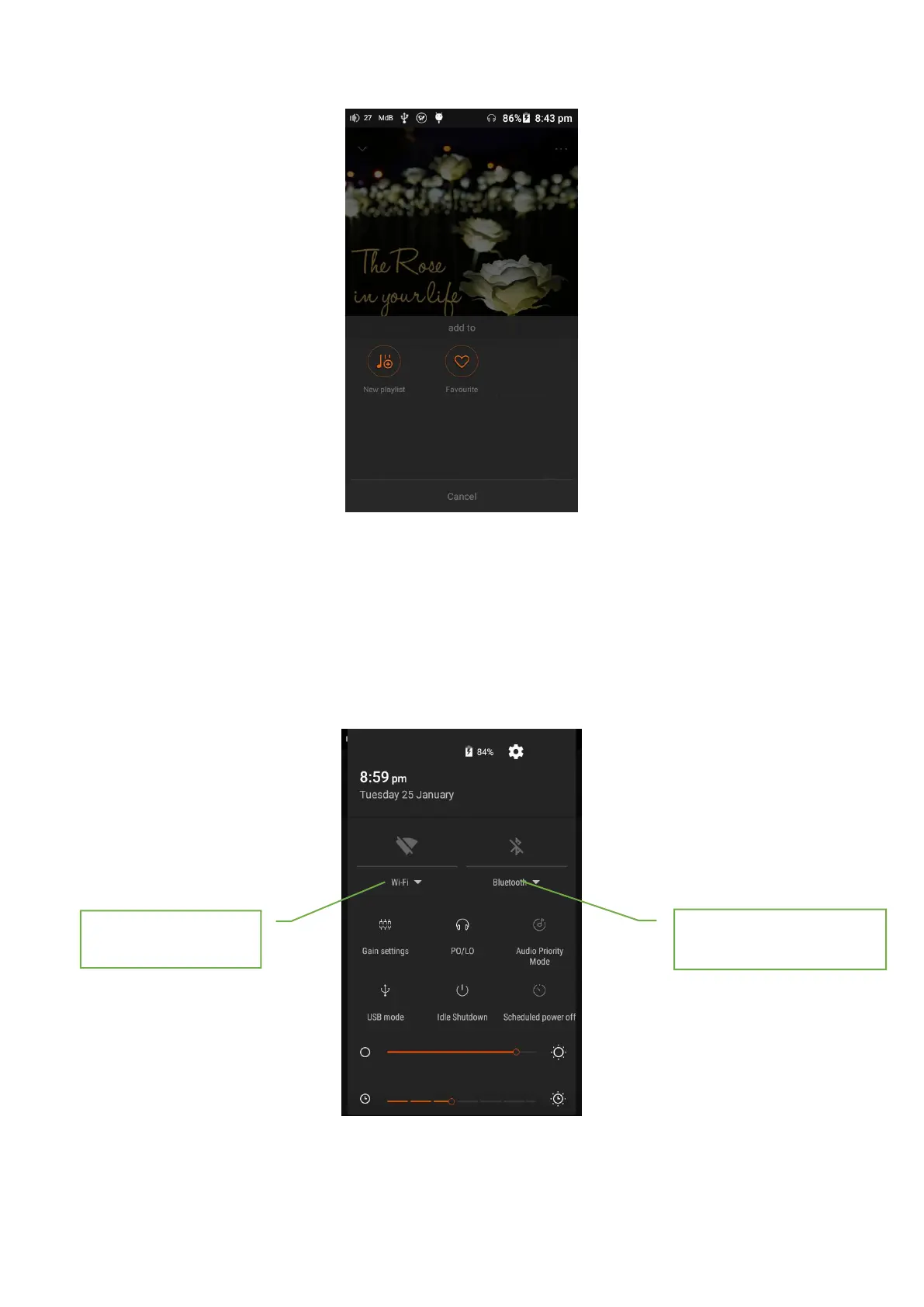
Add tracks to new playlist or favorite
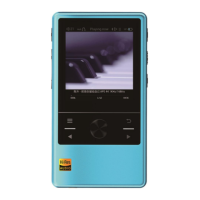
4.1 WiFi & BT
You can connect N5 MK2S to Bluetooth device and enjoy your music in wireless. Bluetooth
device must be paired with N5 MK2S in advance, please refer to the electronic version User
Manual for more details. You can also select the WiFi icon on the status bar to connect N5 MK2S
to WiFi for streaming or networked music resources.
Note: the WiFi of N5 MK2S doesn’t support channel 14 (2.484GHz) of 2.4GHz band.
4.2 Private Cloud
Click the LAN button, the player can search, browse and playback the music files stored on the NAS
or shared folder of connected computer facilities.


 To Next Page