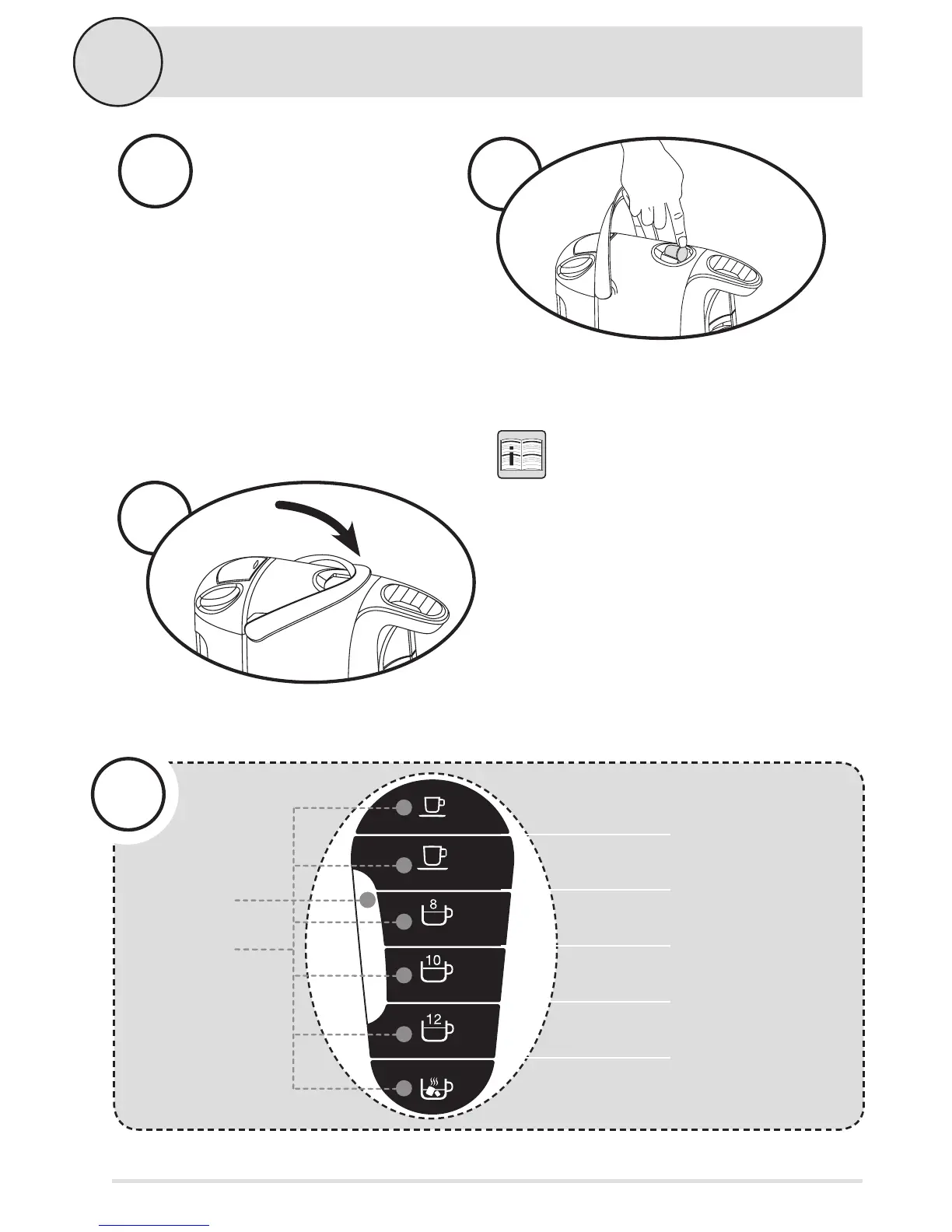
Press the beverage button
corresponding to the loaded
capsule. Choose from short
espresso and long espresso,
8 oz., 10 oz. and 12 oz. coee
or tea, or hot chocolate. The
brew selection will begin
to ash.
6
7
Raise the capsule lever to access the top of the capsule
compartment. Gently load the selected capsule into
the capsule cut-out.
IMPORTANT: Do not remove or puncture
foil covering.
Lower the capsule lever to its original position. This will
puncture the capsule for brewing.
5
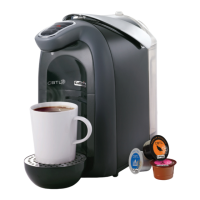
Select the capsule of your choice.
Choose from espresso, coee, teas
or hot chocolate
8
2
Brewing Beverages (continued)


 To Next Page