8 | Instruction Manual
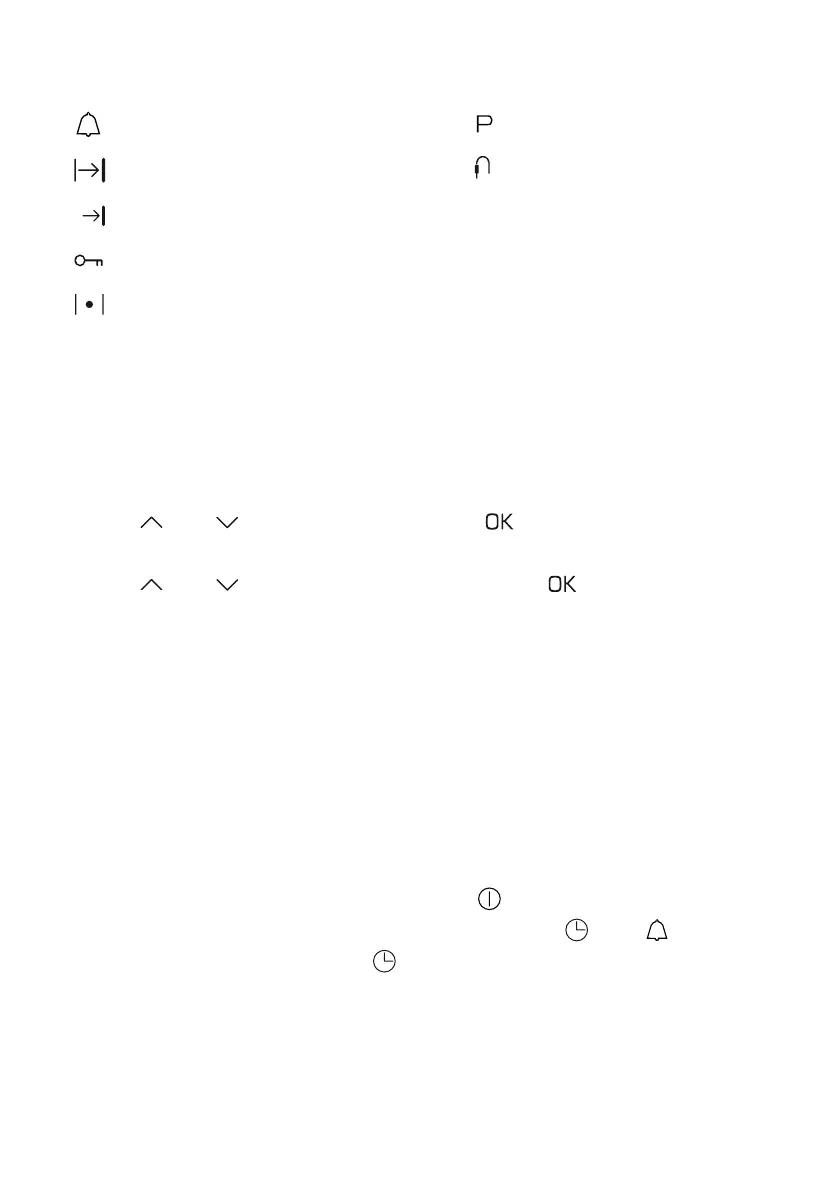
Function indicator symbols
Minute minder active
Duration
End time
Child lock active
Heating active
Setting the time
When the appliance is connected to power, the display will show the
hour digits flashing, the minute digits will be illuminated.
• Use and to set the hours. Touch to confirm the setting, the
hour digits will now be illuminated and the minutes will be flashing
• Use and to set the minutes. Touch the sensor to confirm
the setting. The appliance enters sleep mode and the time set will
be shown
Note: The time can only be set in 24 hour format
Changing the time
The time display can only be changed when no other functions are
being used.
If in sleep mode, press the on/o sensor to wake the appliance up.
Once the display has illuminated, touch and hold . The symbol
will flash on the display. Touch again and the digits will start to flash.
You can now proceed to set the time following the steps in the
'Setting the time' section above.
Pyrolitic cleaning
Temperature probe
connected
(SL570 only)



 To Next Page