CONGA ANIMAL
45
ENGLISH
- Hold down this button in the Standby mode to move the robot to the right. The robot will
stop spinning and return to Standby mode when you release the button.
- Press this button during the cleaning process for the robot to turn right.
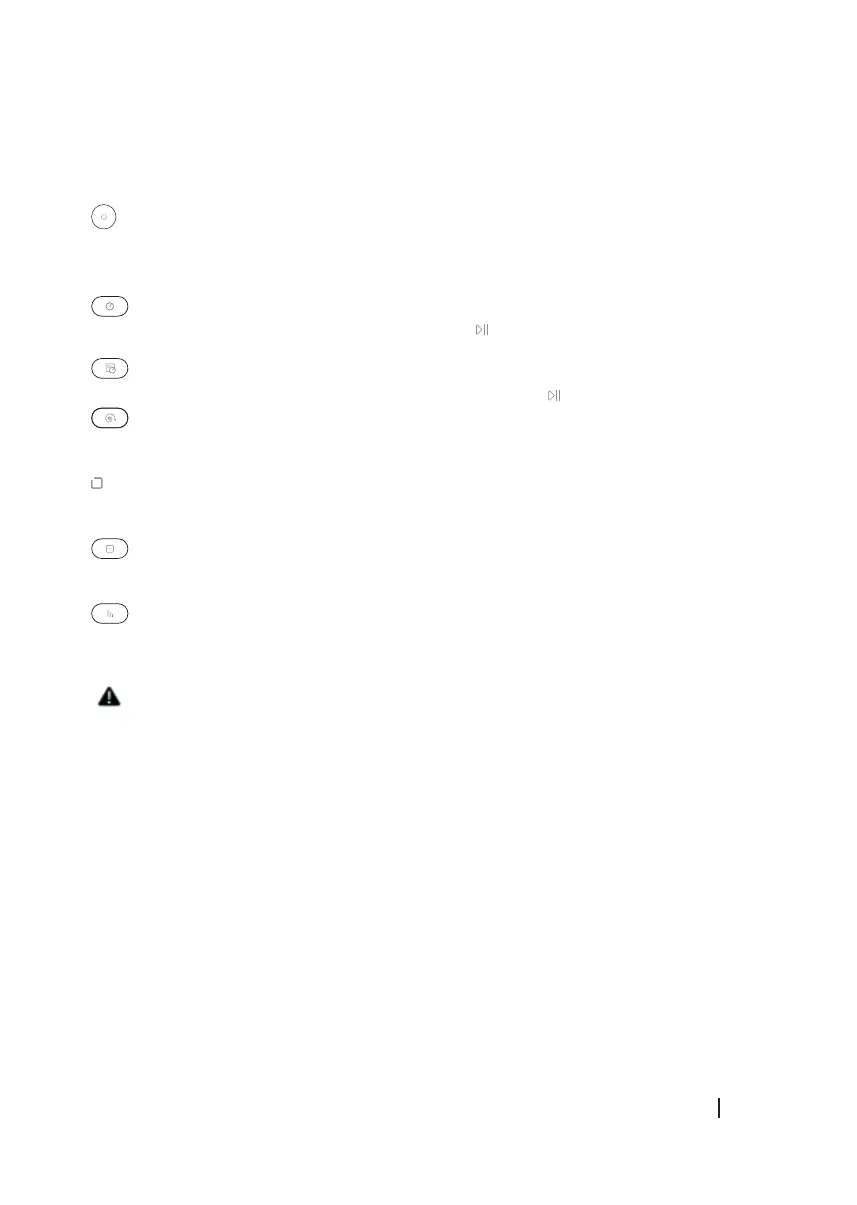
Save
Press this button to save the time settings, to activate the automatic cleaning mode or to get
back to the Standby mode from the cleaning mode.
Time setting button
Press this button to enter the time settings and press to conrm.
Scheduling button
Press this button to enter the scheduling button and then press to conrm.
Spot cleaning button
Press this button to activate the spot cleaning mode.
Edge cleaning button
Press this button to activate the edge cleaning mode.
Room cleaning button
Press this button to activate the room cleaning mode.
Vacuum control button: 3 levels
Press this button in the remote control to control the vacuum power during the cleaning
processes.
Note:
- Insert 2 AAA/R03 batteries before operating the robot.
- If the remote control is not going to be used for a long time, remove the batteries and store
them in a safe place.
- Point the remote control to the robot signal receiver. The effective range of action is 5
metres.
2. BEFORE USE
Fig. 10
Place the charging base in a stable, at and dry surface against the wall.
Remove every object around the robot, leaving a free space of 1 metre on each side and 2
metres to the front.





 To Next Page