CONGA ANIMAL
50
ENGLISH
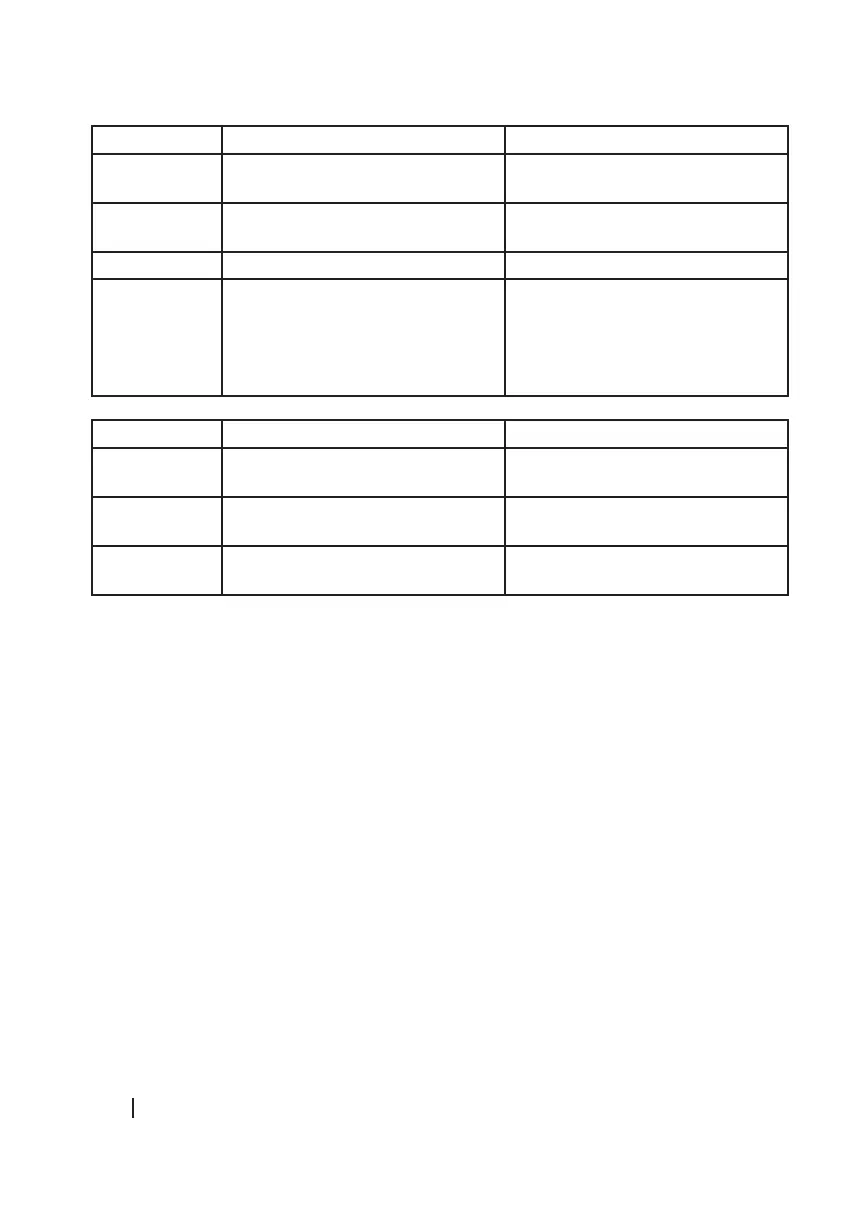
Beeps Error Solution
1 Dust or water tank is not installed Insert the dust or water tank in the
robot
2 Bumper error Check the bumper and remove any
object that may be blocking it.
3 Free-fall sensor error Clean the free-fall sensor.
4 Another error Make sure that the mains voltage
matches the voltage stated on the
rating label of the appliance.
Beeps and steady red light:
Beeps Error Solution
1 Driving wheel error Turn the wheel manually and remove
any object that may be blocking it.
2 Side brushes error Unblock or untangle side brushes
and clean them.
3 Motor error Empty the dust tank and clean the
vacuum channel.
- Note: If errors do not disappear with the solutions given, try the following steps:
- Turn off the power switch, placed in the lower part of the product and restart it after 4
seconds.
- If the robot does not work, contact the Cecotec Technical Support Service.
Tips:
- If there is an error and the blue light turns on indicating low battery, take the robot to the
charging base manually.
- The robot features an electric safety interior system which disconnects the power supply
when the battery voltage is low. If this happens, turn off the power switch and restart the
robot after 4 seconds.
- When the robot battery is very low, allow the robot to recharge.
6. TECHNICAL SPECIFICATIONS
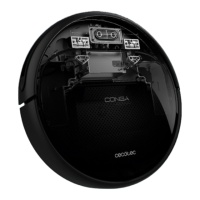
Product name: Conga Animal
Product reference: 05667
Adaptor Input : 100 -240 V AC, 50/ 60 Hz, 0,5 A





 To Next Page