CONGA GRASSHOPPER 300
126
ENGLISH
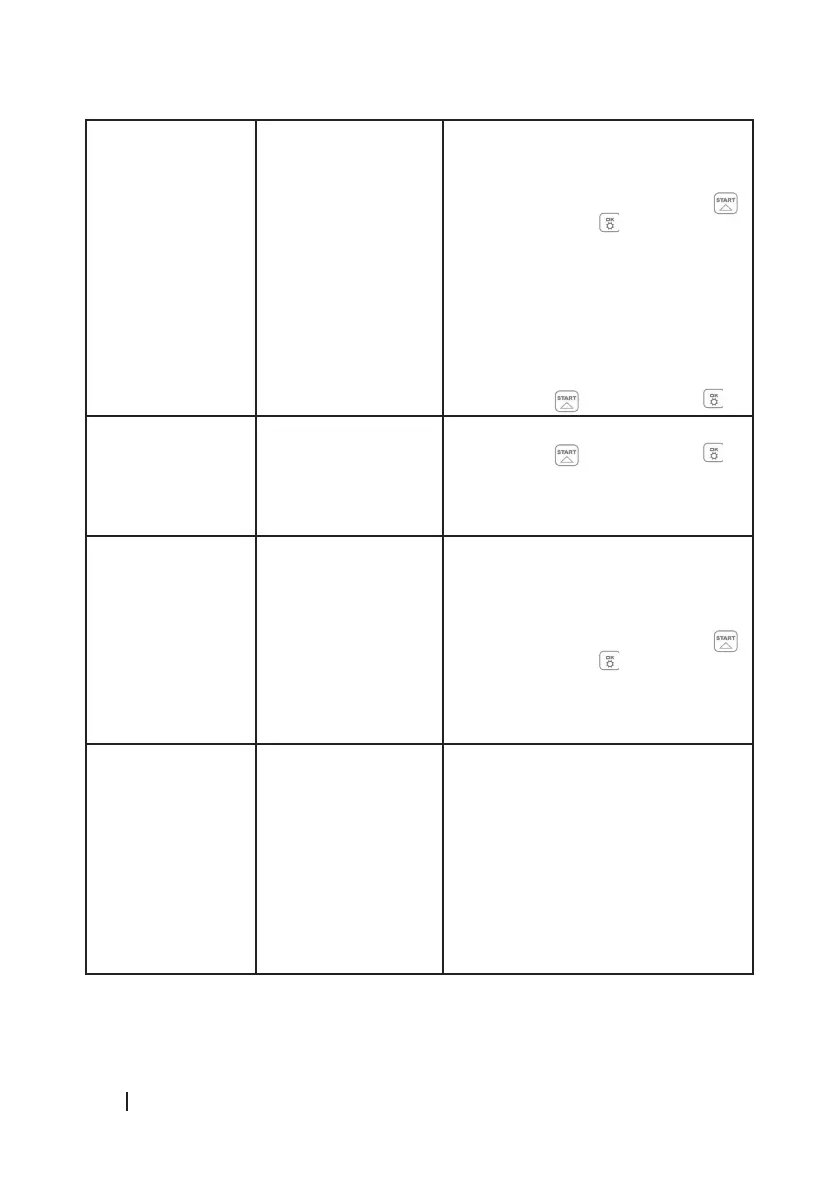
E5 The mower is not in
contact with the ground
1. Disconnect the mower.
2. Position the mower in an area where
there are no obstacles.
3. Switch on the mower. Press the
button and then .
4. If the error code still appears on the
display, switch o the mower.
5. Turn it over. Check if there is
anything preventing the wheels from
turning.
6. If there is, remove it. Next, turn the
mower over again and switch it on.
Press the button and then .
E6 The mower is upside
down
1. Turn it over.
2. Press the button and then .
3. If the error still appears, contact the
ocial Cecotec Technical Support
Service.
E7 The slope sensor is
always activated
1. Disconnect the mower.
2. Check that the slope of the ground
does not exceed 15°.
3. Place the mower on a at surface.
4. Switch on the mower. Press the
button and then .
5. If the error still appears, contact the
ocial Cecotec Technical Support
Service.
E8 The mower has
problems connecting to
the charging station
1. Check whether one metre of straight
(unobstructed) boundary wire is laid
in front of the charging station.
2. Check if the charging station has
been placed on a at surface.
3. Check that the charging station is
not bent.
4. If the error still appears, contact the
ocial Cecotec Technical Support
Service.


 To Next Page