7 Quality assurance
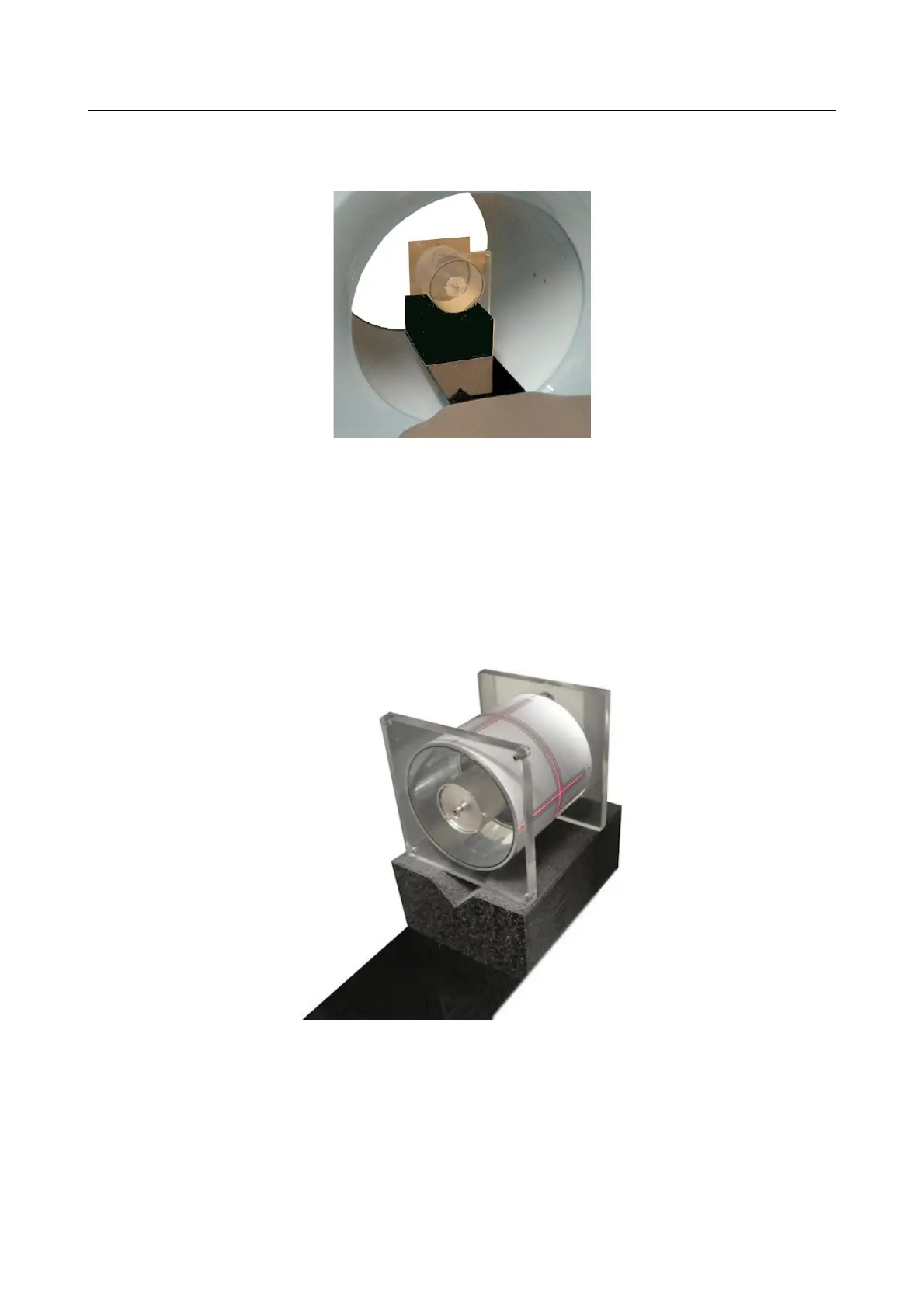
as shown in the following picture.
4) Finely adjust the phantom position by using the table console buttons. (UP/DOWN – LEFT/RIGHT –
[FORWARD/BACK – patient table only] ).
In order to help the operator during the positioning of the patient the laser can be turned on by
pressing the LASER button on the scanner control panels or on the table console (required the NNT
software to be open).
Position the phantom in such a way the laser will match with the reference line located on the
phantom (see next picture=.
5) For the phantom scan please refer to Par. “QA Phantom scan” and “Remote patient position
adjustment” included in the “Acquisition Operations with NewTom VGi-5G” document annex to the
“NNT User Manual” document.
7-2 NewTom 5G – User Manual



 To Next Page