www.cel-robox.com
Account and Hardware Setup
Setting Up Your Robox® Account
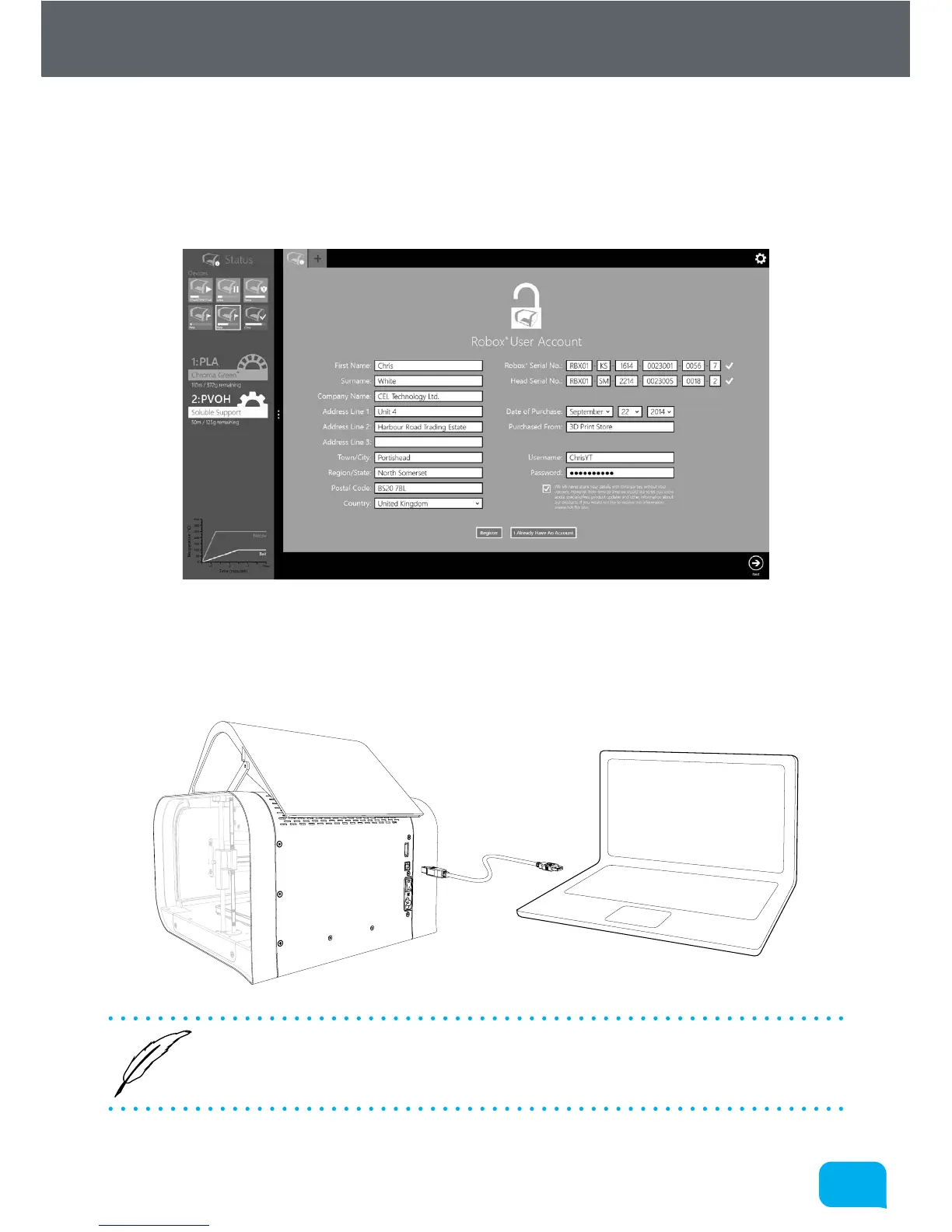
When you start AutoMaker™ for the first time, the product and customer
registration screen will be displayed, allowing you to register for product updates,
support and warranty repairs. Please complete all sections before continuing.
Attaching the USB Cable
Robox® comes supplied with a 2 metre USB Type A-Type B cable for connecting
to your PC. Please connect as shown.
• DO NOT connect your Robox® until you have been through the soware
installation steps on the previous page and started AutoMaker™.


 To Next Page