ENGLISH 13
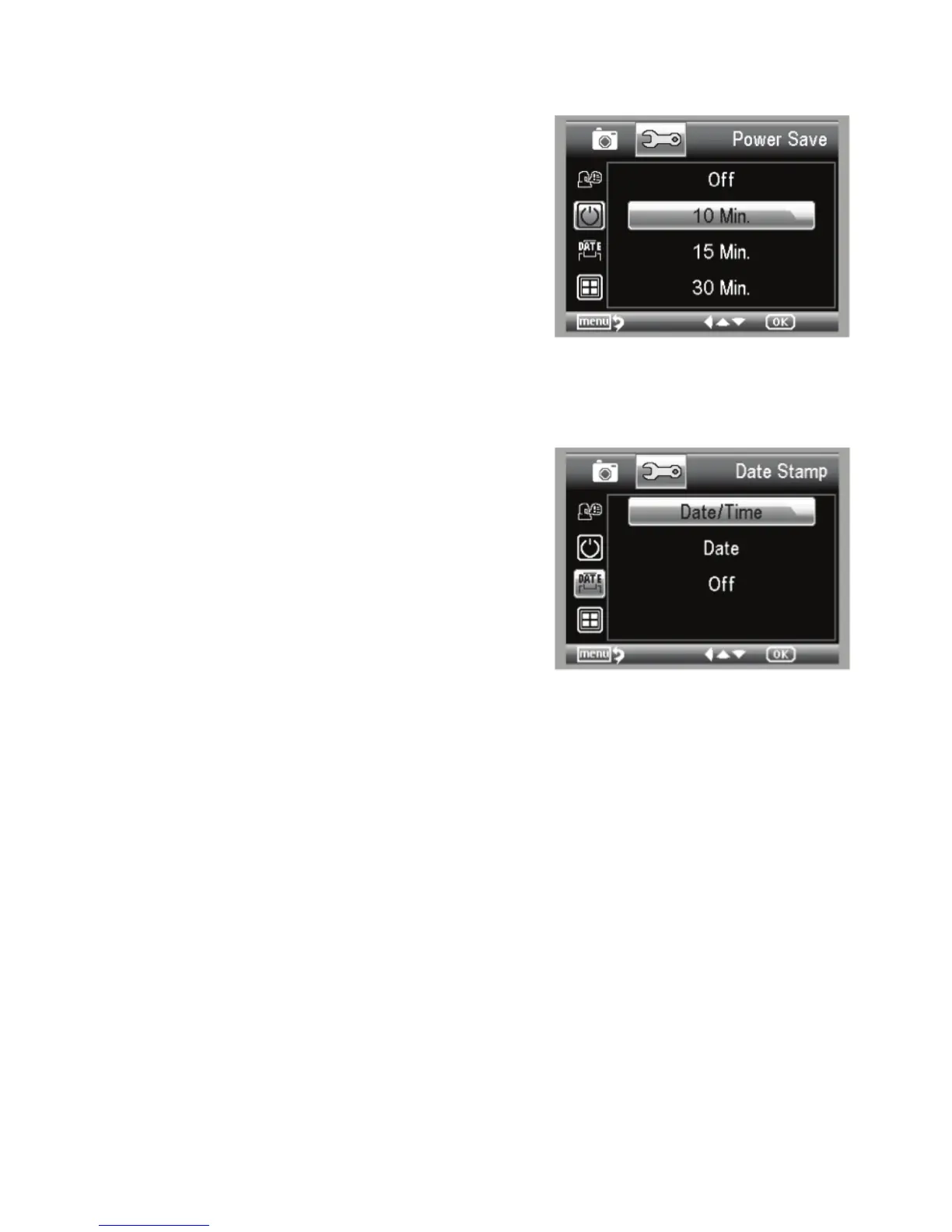
POWER SAVE
Power Save allows you to conserve battery power by setting
the unit to turn off automatically. The choices for times are:
1. OFF: Power Save feature is off; unit will not turn off
automatically
2. 5 min.: Unit will turn off after 5 minutes of non-use
3. 10 Min.: Unit will turn off after 10 minutes of non-use
4. 15 Min.: Unit will turn off after 15 minutes of non-use
5. 30 Min.: Unit will turn off after 30 minutes of non-use
FREQUENCY
This setting has to do with your TV’s refresh rate. For USA
(NTSC), use 60Hz; for others, use 50Hz.
DATE STAMP
If you wish, you can display a date stamp on image fi les (but
not on video fi les).
+
The choices are:
1. DATE/TIME: Displays both DATE and TIME on the saved
image fi le
2. DATE: Displays only the date on the image fi le
3. OFF: Will NOT display any DATE/TIME information
TV OUT
Set your TV out setting to either NTSC or PAL, depending on
your location.
1. Choose NTSC for:
- North America
- South America (excluding Brazil, Argentina,
Uruguay and French Guiana)
- Myanmar, South Korea, Taiwan, Japan and
the Philippines
2. Choose PAL for:
- All countries NOT listed above
NOTE: See map below.
NOTE: The DATE and/or TIME will NOT be displayed in the preview mode-
only on the recorded image fi le.















 To Next Page