14 I ENGLISH
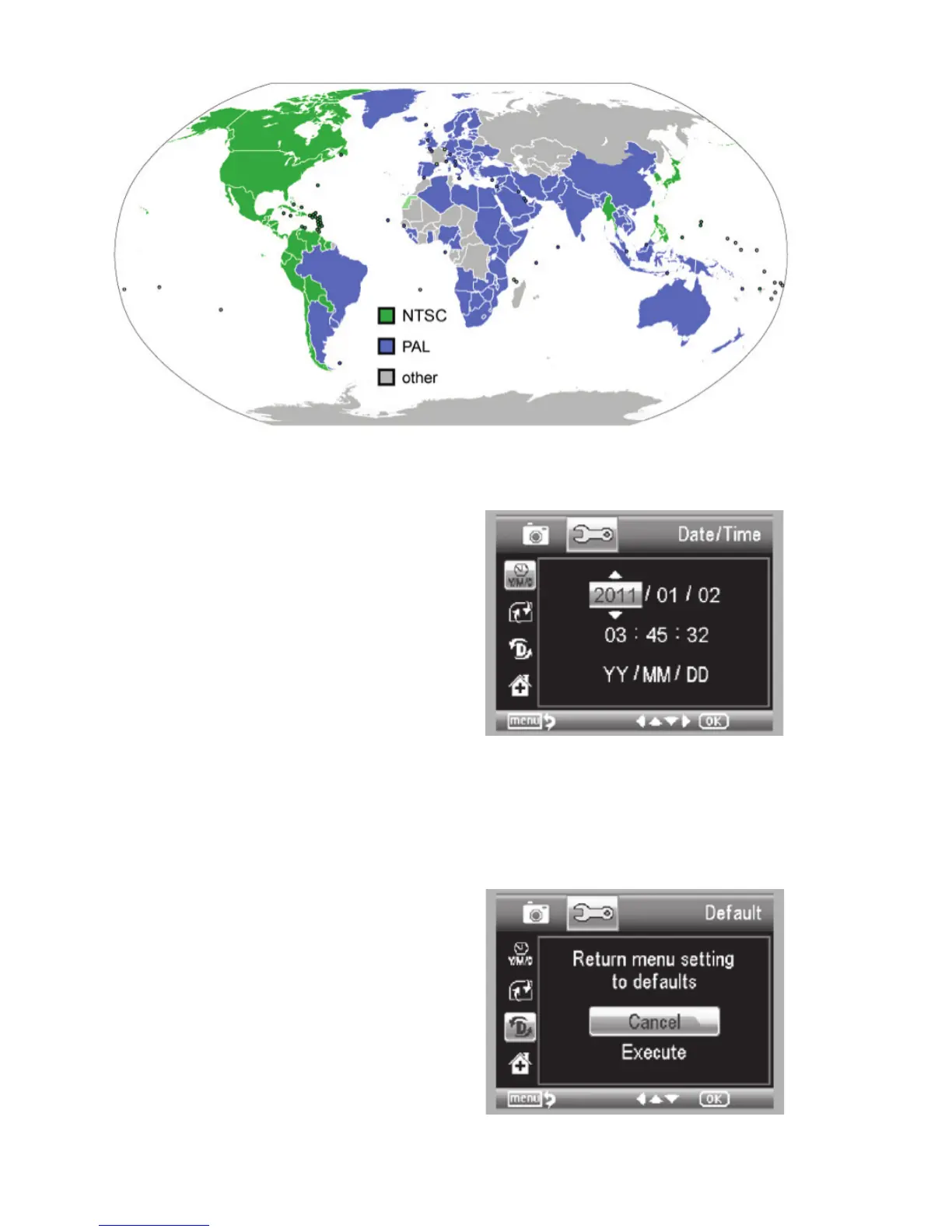
DATE/TIME
+
Here you can set the correct Date and Time
+
You can also choose from the following date display options:
- YY/MM/DD
- DD/MM/YY
- MM/DD/YY
SD CARD
From this screen, you can format your MicroSD card. You
should format your MicroSD before using it for the fi rst time.
NOTE: During formatting, ALL fi les will be erased from the card.
SYSTEM RESET
This screen allows you to reset ALL the settings to the factory
default settings.
VERSION
The Version screen will display information on your fi rmware
version. You cannot actually change any setting here.















 To Next Page