8 I ENGLISH
5. soFTWArE FEATUrEs
rEvIEW sAvEd IMAGE FIlEs:
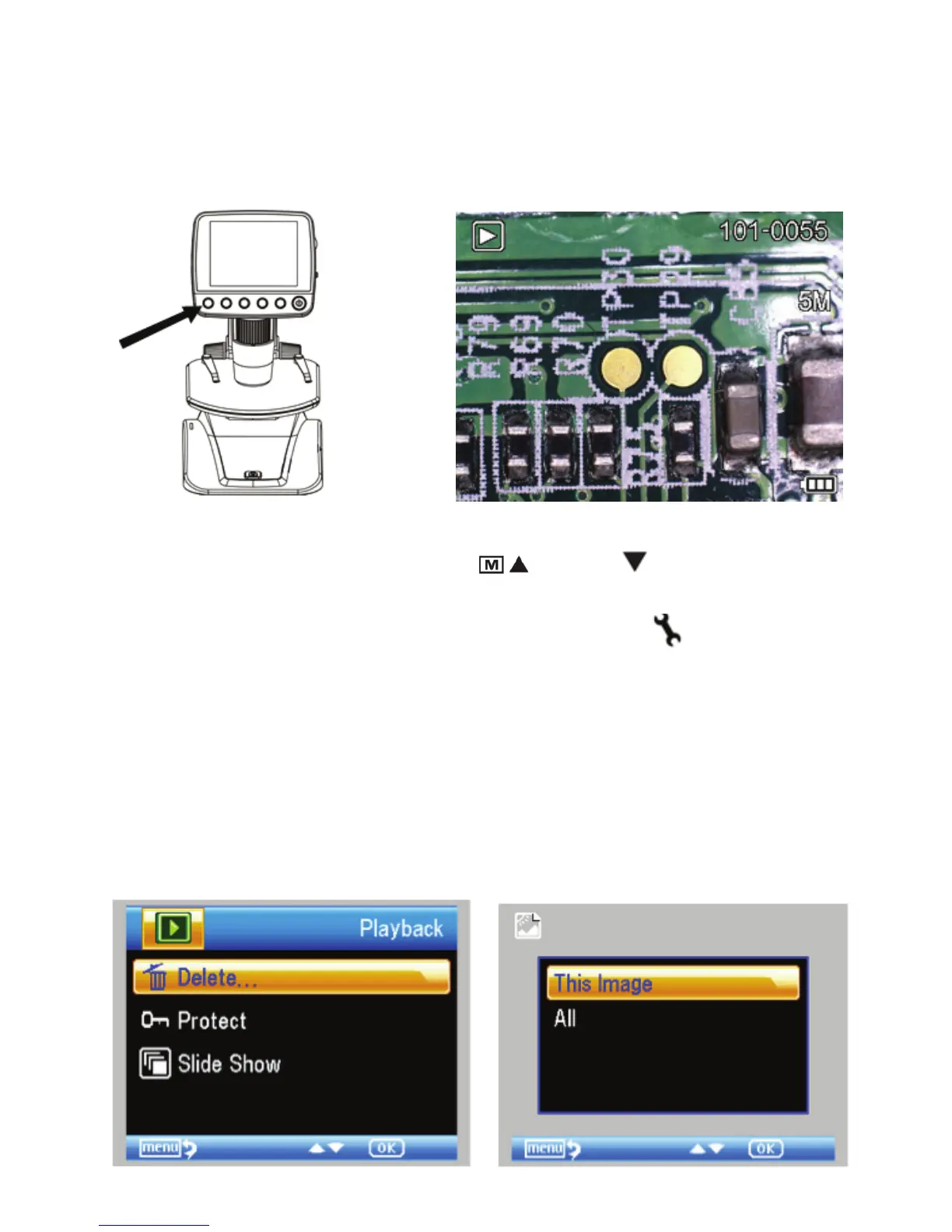
To play back video or review a still image, simply press
and hold the Playback/Left button on the LCD housing.
The latest image (or a thumbnail of the latest video) will
appear on screen, with a directional arrow at the top of
the screen.
To scroll through the images and thumbnails, press the
UP
To scroll through the images and thumbnails, press the
and/or DOWN button.
To modify a particular image or video using the Playback
feature, press the Settings button.
The following screen will appear with 3 choices:
1. Delete
2. Protect
3. Slide Show
1. dElETE IMAGE FIlEs:
This choice deletes the selected image/video or
ALL images.















 To Next Page