ENGLISH 9
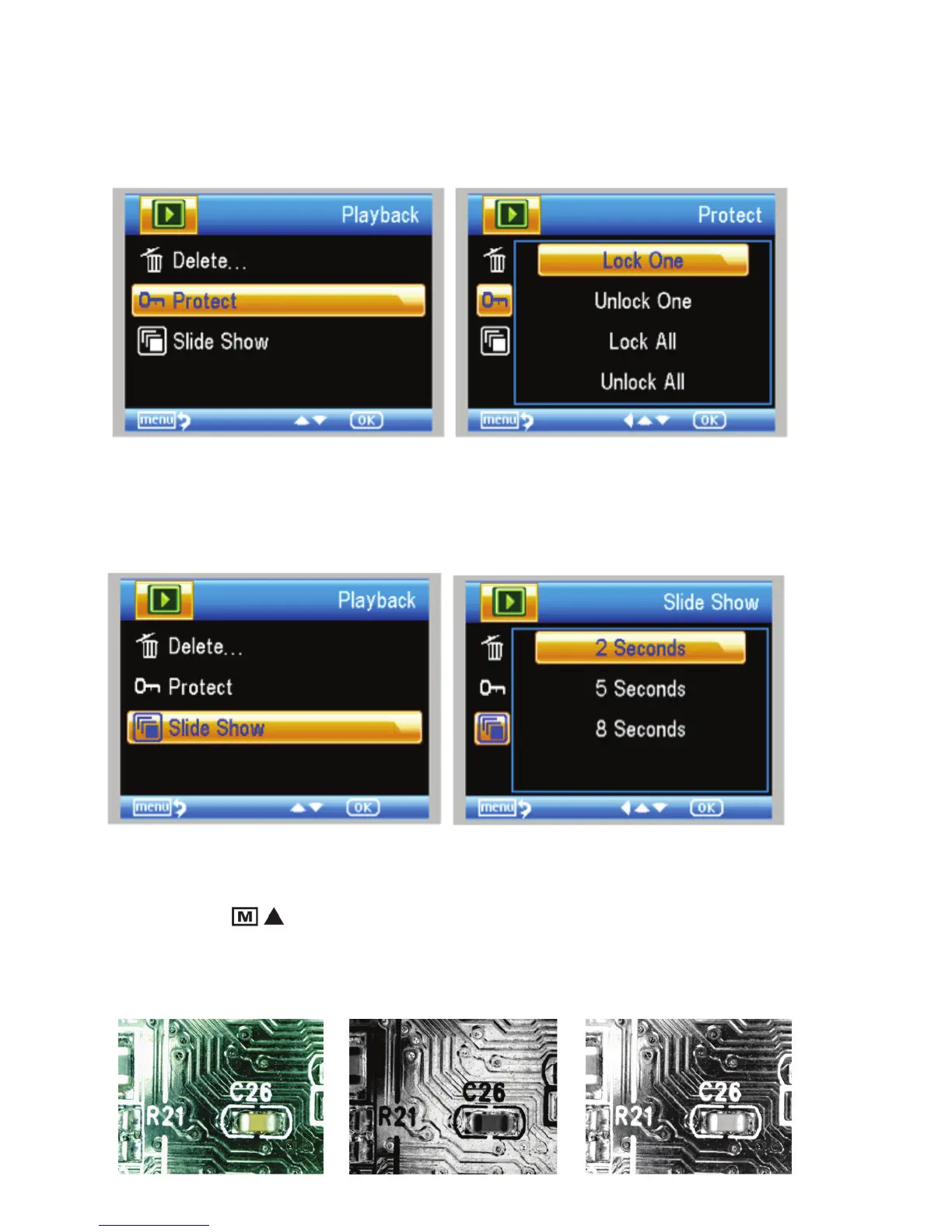
2. prOTECT IMAGE FIlEs:
This choice allows you to ‘lock’ and ‘unlock’ the selected
image/video fi le or ALL images/video fi les on disk for
protection.
3. slIdE shOW:
This choice creates a slide show using all the image
fi les on the MicroSD card. Select Slide Show, and then
choose the interval between each image.
FIlTErs:
When on the main screen or in viewing mode, press the
MODE/UP button
When on the main screen or in viewing mode, press the
When on the main screen or in viewing mode, press the
to scroll between:
a. Color Image
B.. Negative Image
c. Black and White Image
a.
B.
c.















 To Next Page