EasyManua.ls Logo

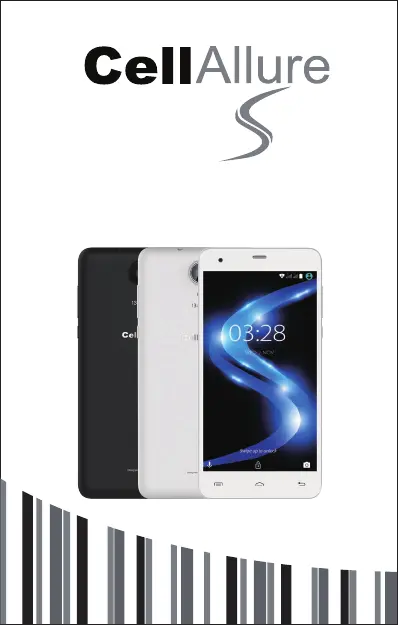
CELLALLURE Cool S2 - User Manual

CELLALLURE Cool S2
32 pages
Print Icon
To Next Page IconTo Next Page
Loading...
Instructions / Instrucciones
English / Español
Cool 2

Questions and Answers

  • E
    edward50Jul 30, 2025
    What to do if CELLALLURE Cool S2 Telephone application is not responding?
    • S
      Scott DillonJul 30, 2025
      To resolve an unresponsive application on your CELLALLURE Telephone, you can manually shut it down using the 'Running Services' menu. Additionally, closing all idle applications can free up memory and restore the system speed to its normal performance.

Summary

PRECAUTIONS

On the Road

Safety advice for using the phone while driving.

Near Sensitive Electronics or Medical Equipment

Avoid using the phone near sensitive electronic or medical devices.

Emergency Calls

Instructions for making emergency calls, requiring network coverage.

UNDERSTANDING YOUR PHONE

INSERTING;REMOVING SIM CARDS

GETTING STARTED

SETTINGS MENU

MAKING AND RECEIVING CALLS

ANSWERING AND REJECTING CALLS

SENDING A MESSAGE

CONNECTION TO INTERNET

MOBILE DATA AND INTERNET CONNECTION

BLUETOOTH

CAMERA

TROUBLE SHOOTING

Restore Default Setting

Guide to reset the phone to factory settings, erasing all data.

HOW TO INSERT THE SIM CARD & MEMORY CARD

CELLALLURE Cool S2 Specifications

General IconGeneral
BrandCELLALLURE
ModelCool S2
CategoryTelephone
LanguageEnglish