11. FOR MULTIMEDIA MESSAGE
1. Input recipient number on the Type name or number bar.
2. Click Menu >Add Subject, then type the Subject.
3. Click Compose to start composing a message.
4. Click add Aach.
5. Aer you finish typing, click Send.
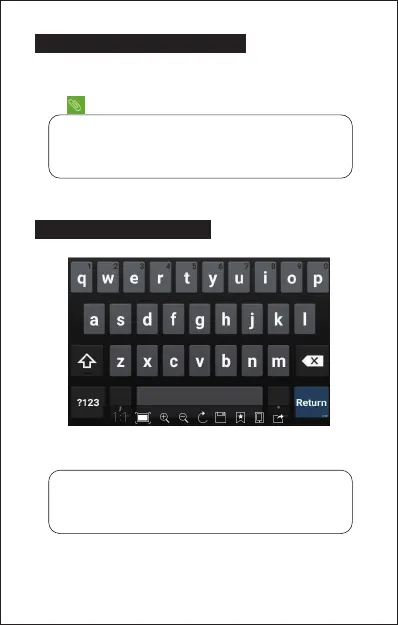
12. SOFTWARE KEYBOARD
Touchscreen
The touchscreen responds to finger touch.
Single Click: Single click one icon to choose the icon or opon you want.
Long Press: Press and hold an icon to delete or move an icon or app.
Drag: Press the icon and drag it to a different screen.
Note:
• You can select Capture picture, Pictures, Capture videos, Videos,
Record audio, Audio, Contact, Calendar, Slideshow from the
aachment list.
Note:
• Don’t place any object on the touchscreen for it may damage or
crush the screen.
10


 To Next Page