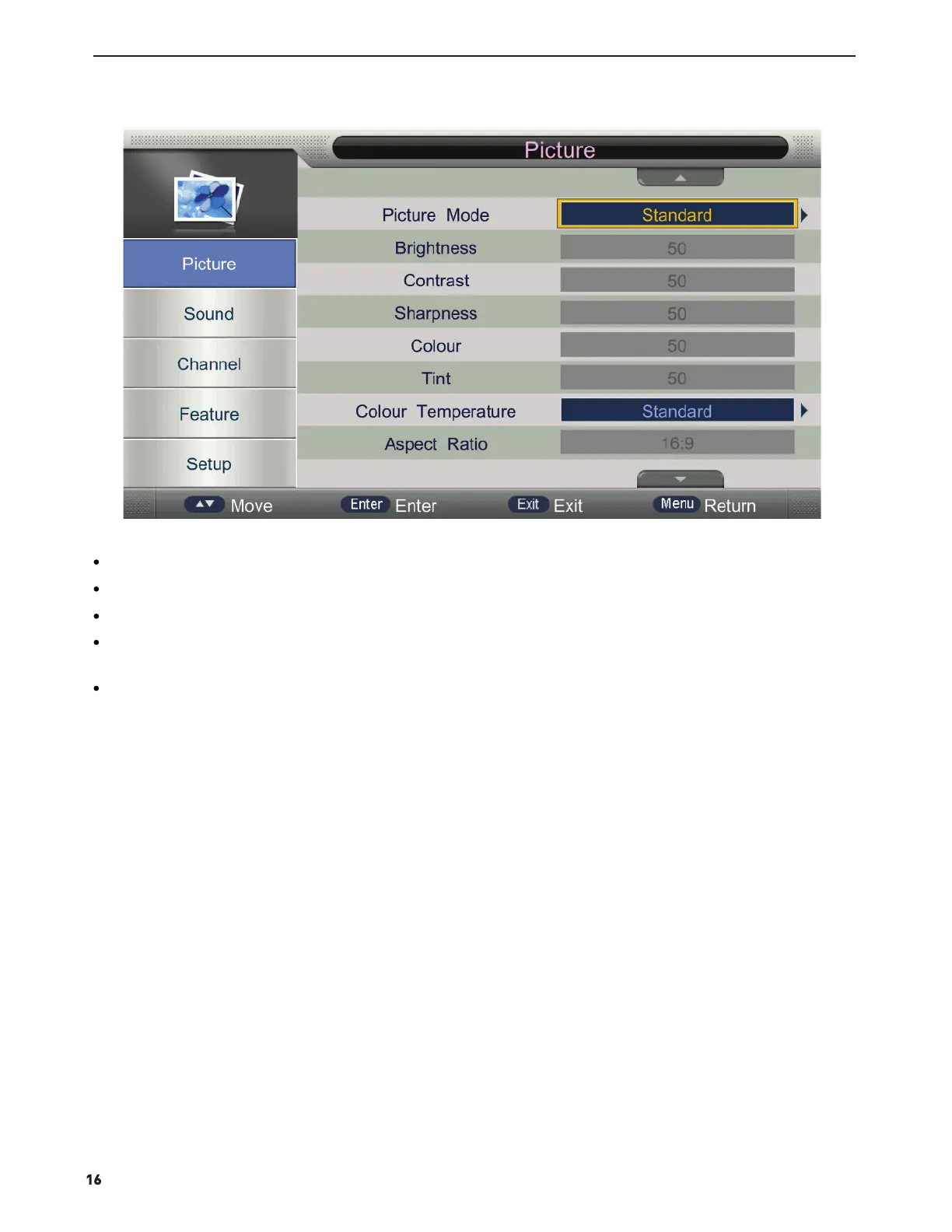
Press MENU button to display the MAIN OSD MENU;
Press ▲/▼ button to select the MENU you want;
Press ▲/▼ button to select the option and then press ENTER button or ► button to enter the sub-menu, press
◄/► button to adjust the value or press ◄/► button to select in the sub menu;
You can press MENU button to save and return back to the previous menu, and press EXIT button to exit the entire
menu.
Press ENTER button or ► button to enter the sub menu, and press ◄ button to return back to the previous menu.



 To Next Page