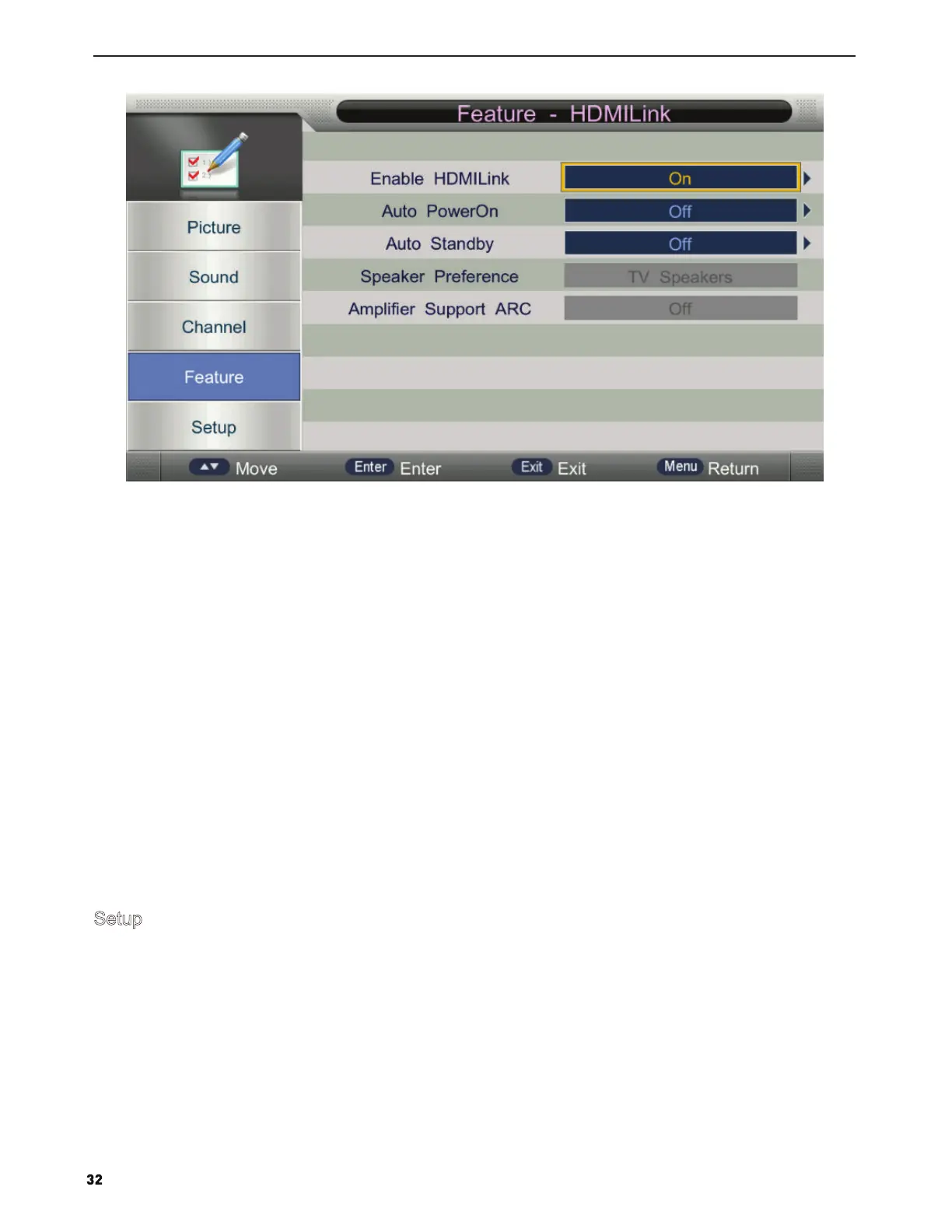
Enable HDMILink
Press ▲/▼ button to select Enable HDMILink ,Press Enter or ► button to select on/off.
If you want to set the item in HDMILink menu,you must set Enable HDMIlink to on.
Auto PowerOn
Press ▲/▼ button to select Auto PowerOn ,Press Enter or ► button to select on/off.
Auto Standby
Press ▲/▼ button to select Auto Standby ,Press Enter or ► button to select on/off.
Speaker Preference
Press ▲/▼ button to select Speaker Preference ,Press Enter or ► button to select TV Speakers,Amplifier.
Note:This item can only be selected when cec device is detected.
Amplifier Support ARC
Press ▲/▼ button to select Amplifier Support ARC ,Press Enter or ► button to select on/off.
Note:This item can only be selected when Amplifier device is detected.
Setup
The picture is for a reference only; the actual item is the standard.
Press MENU button to display the main menu.
Press ▲/▼ button to select Setup in the main menu, then press ENTER to enter.



 To Next Page