source lock to “ON”, user
can not enter that source.
Set Source Off/ATV/A
V…
The default source
when power on to
enter.
If select a source except the
“Off”,the tv will enter that
source when power on
every time
Channel
Nummber
On/Off The default ATV
channel to enter when
power on.
Max Volume 0/../100 The max volume for
user to adjust
If change this value ,user
can not set the volume out
of this limitation.
Default
Volume
0/../max
volume
The default system
volume when power on
The Default Volume can not
out of the limit of Max
volume.
Next Page Turn to next page
Clear lock Reset the hotel mode
DataBase
Export
Export the channel
data.
DataBase
Import
Import the channel
data.
Previous page Turn to previous page
The picture is for a reference only; the actual item is the standard.
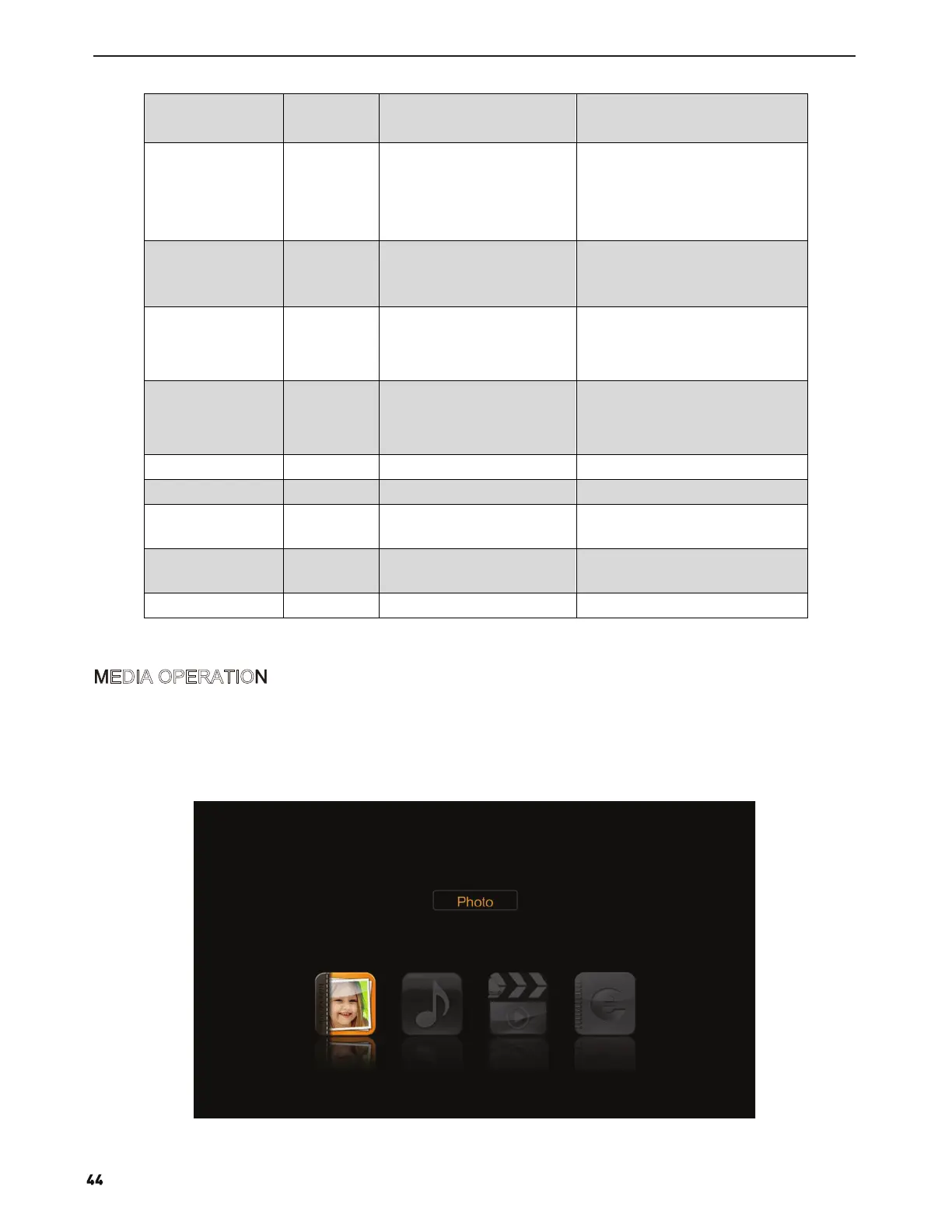
Note: Before operation MEDIA menu, Plug in USB device or memory card, then press SOURCE button to set the
Source to Media.
Press ▲/▼ button to select MEDIA in the Source Menu, and then press ENTER to enter.
You can also enter the Media by pressing MEDIA button on the remote control.
MEDIA OPERATION


 To Next Page