Version
Press ▲/▼ button to select Version, and then press ENTER to enter the sub menu, you can check the software
version this TV.
The HK-T.S2512C support two type to record :
A、Direct Record
B、Subscribe Record
How to user Record
1. In the DTV source, you can start record function by press the “REC” key while program playing. Before that, you
have to make sure the USB storage device is inserted and the device checking and Initialization is done.
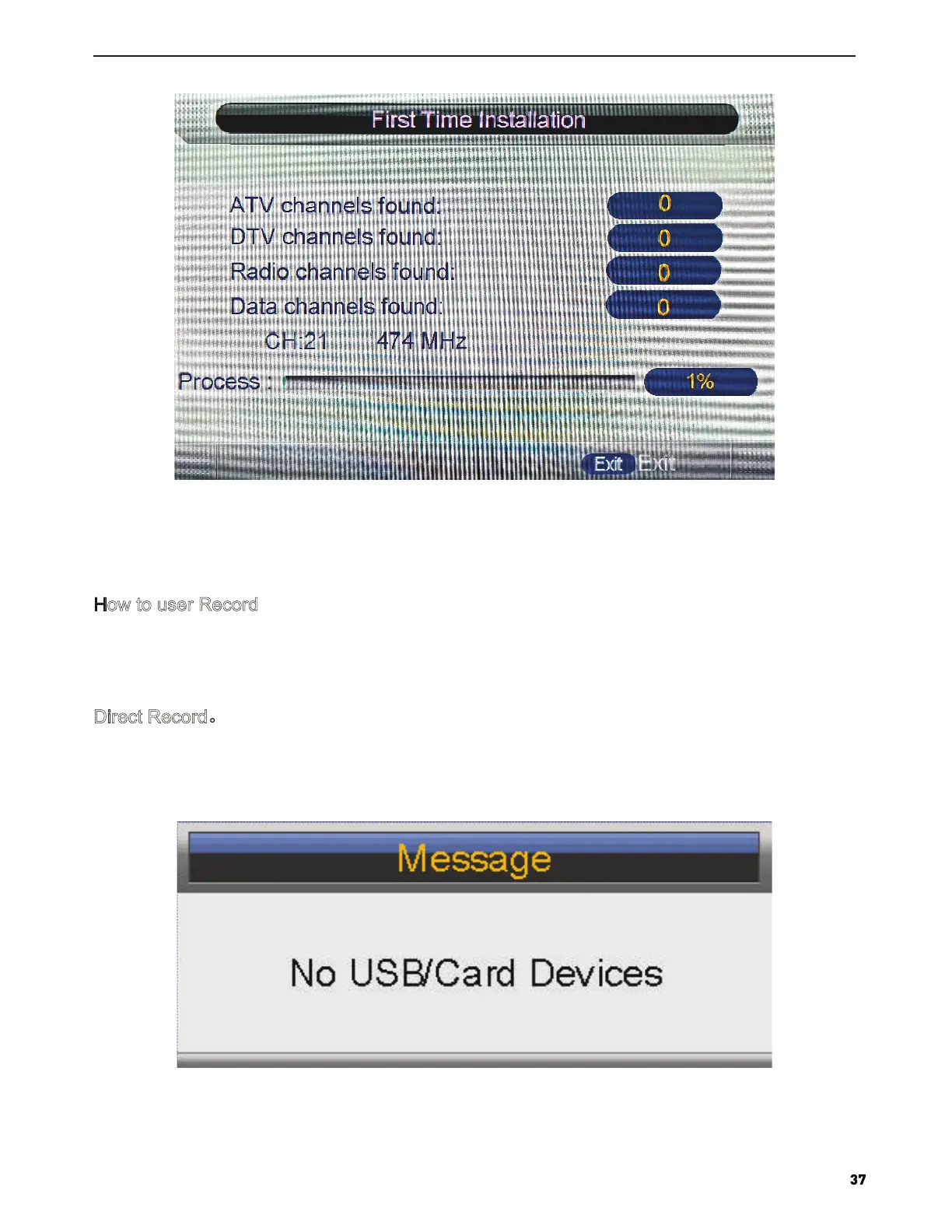
If you press “REC” key when there’s no USB storage device inserted, the prompt window will appear as follow.
Direct Record。



 To Next Page