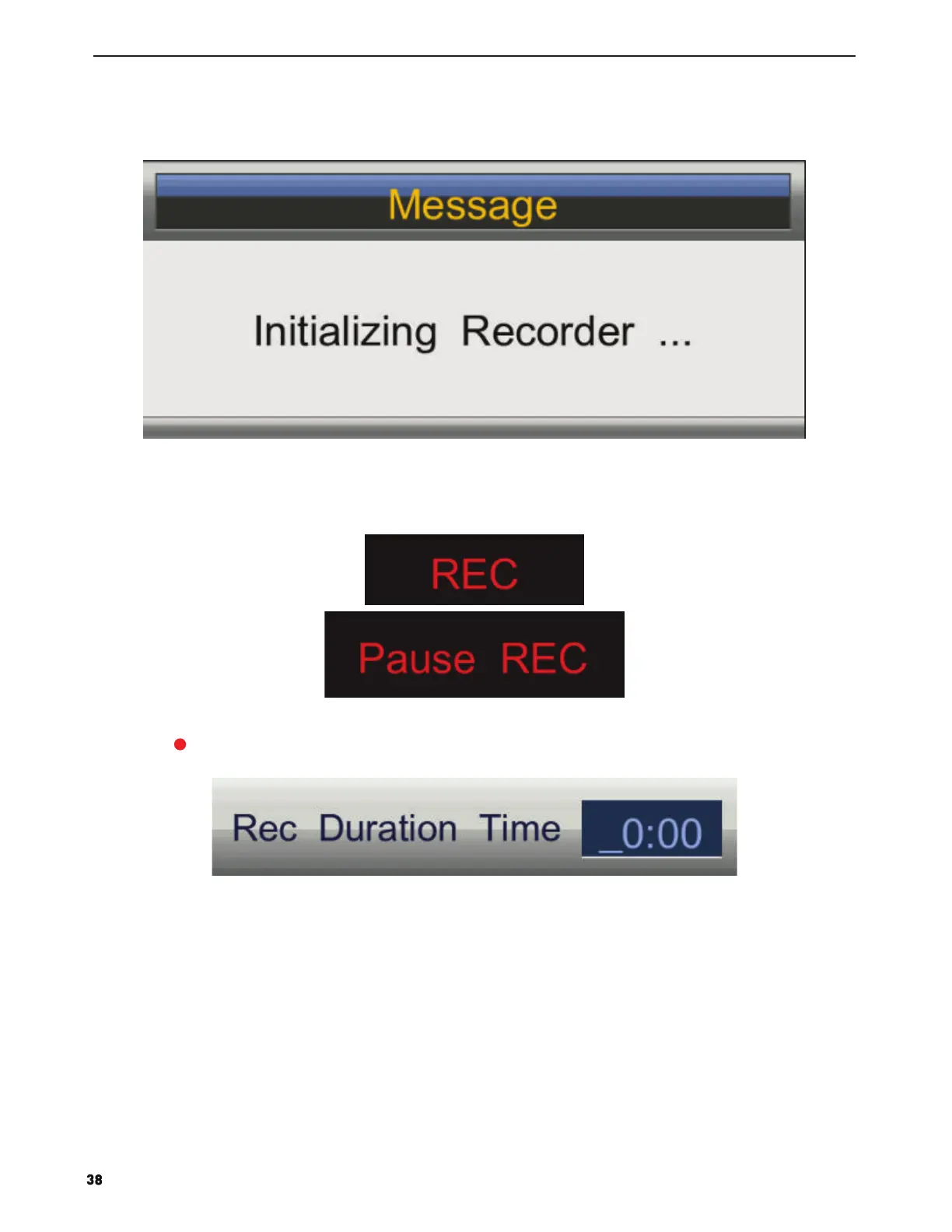
If you press “REC” key during the device checking and Initialization, the prompt window will show black screen
about 2s.when the TV is recording, it will appear the recording menu.
2. After record started, you can press the button of PLAY/PAUSE on the RC to set the play mode. You can seen the
detail info by the record menu.
3.Press the Button on the remote to set rec duration time when rec is running. As follows:


 To Next Page