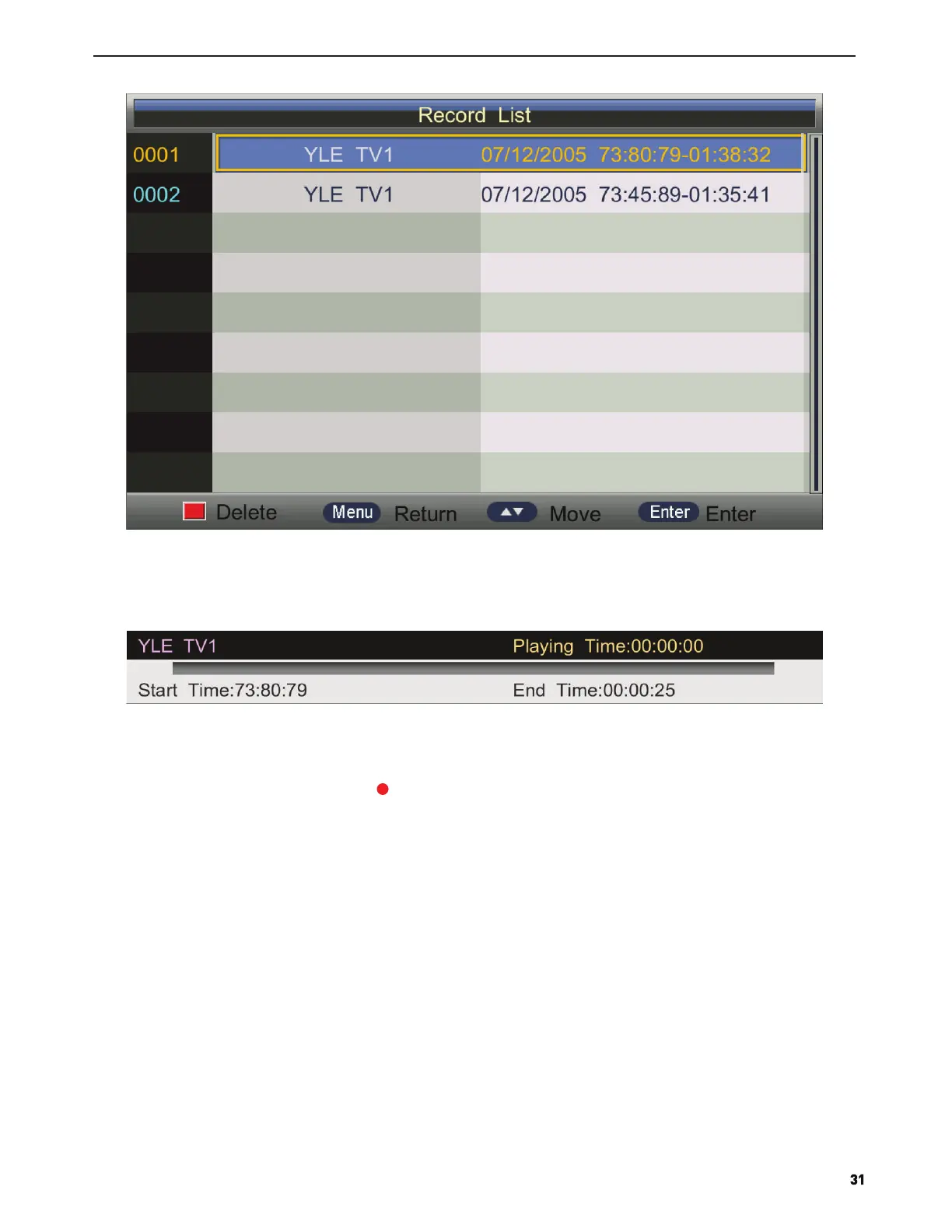
Press ▲/▼ to select record program file(.ts file).
Press ENTER to play.
Press red button to delete the selected file.
If press ENTER to play, the menu will appear as follows:
Recorder Start
Press ▲/▼ button to select Recorder Start,Press Enter or ► button to enter directly record .
Note: you can also open Timer menu by key
HDMI Link
Press ▲/▼ button to select HDMI Link,Press Enter or ► button to enter sub-menu .



 To Next Page