41
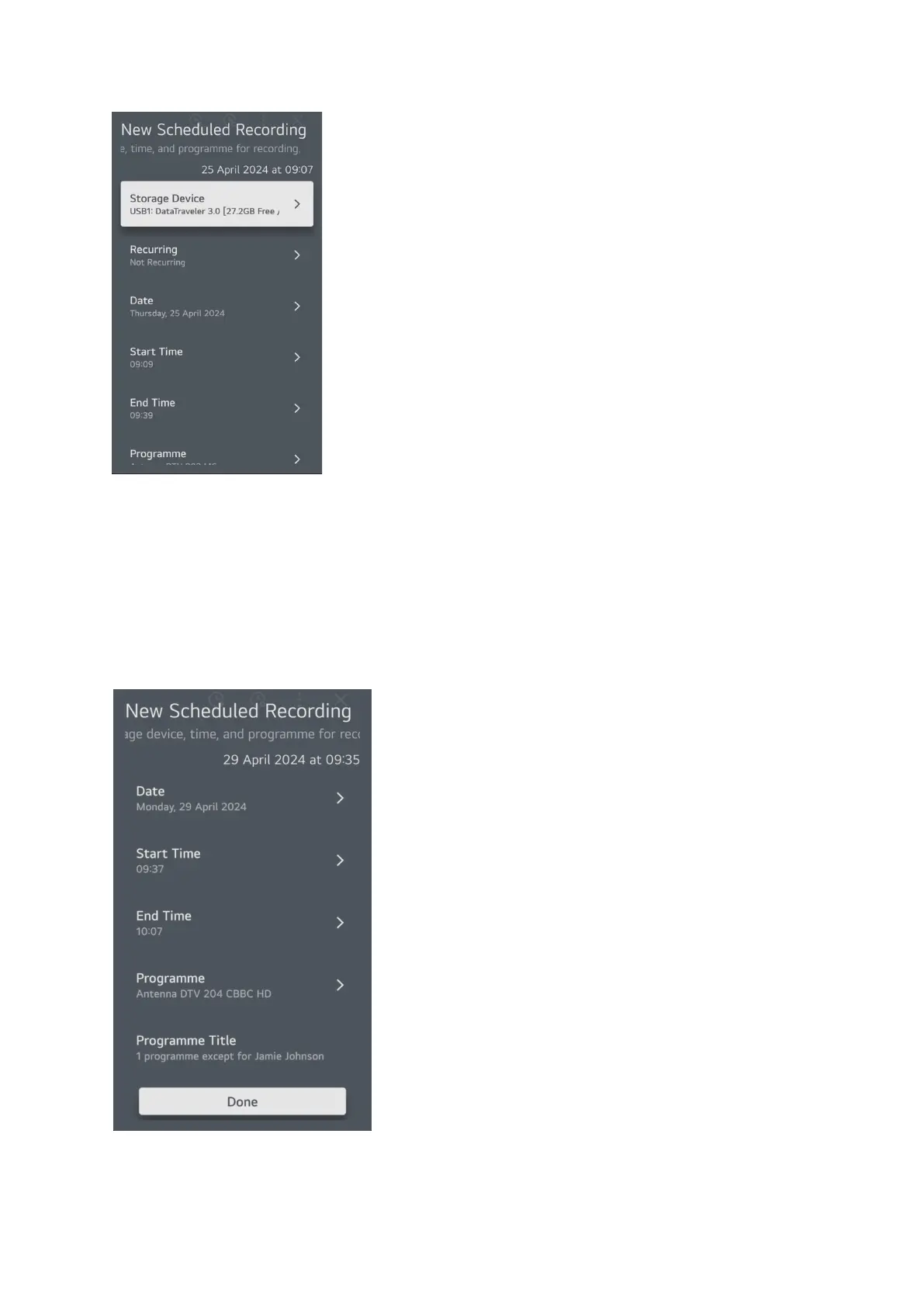
This pop-up screen can be used to enter the details of your scheduled recording.
If you have more than one storage device connected you can select which one to use, otherwise skip
the top row, then set whether you want it to happen more than once so you can select daily or
weekly, remember this is manually set so if something changes in the broadcast schedule you might
miss the intended program. Then set the date of the recording (first recording if you have set
recurring), set the start time and the end time, the programme for example DTV 3 ITV1, if you wis
h
you can manually type in a title for your recording. When you are satisfied with your settings you will
be here
Select done to schedule the recording and it will appear in the scheduled recording list.



 To Next Page