43
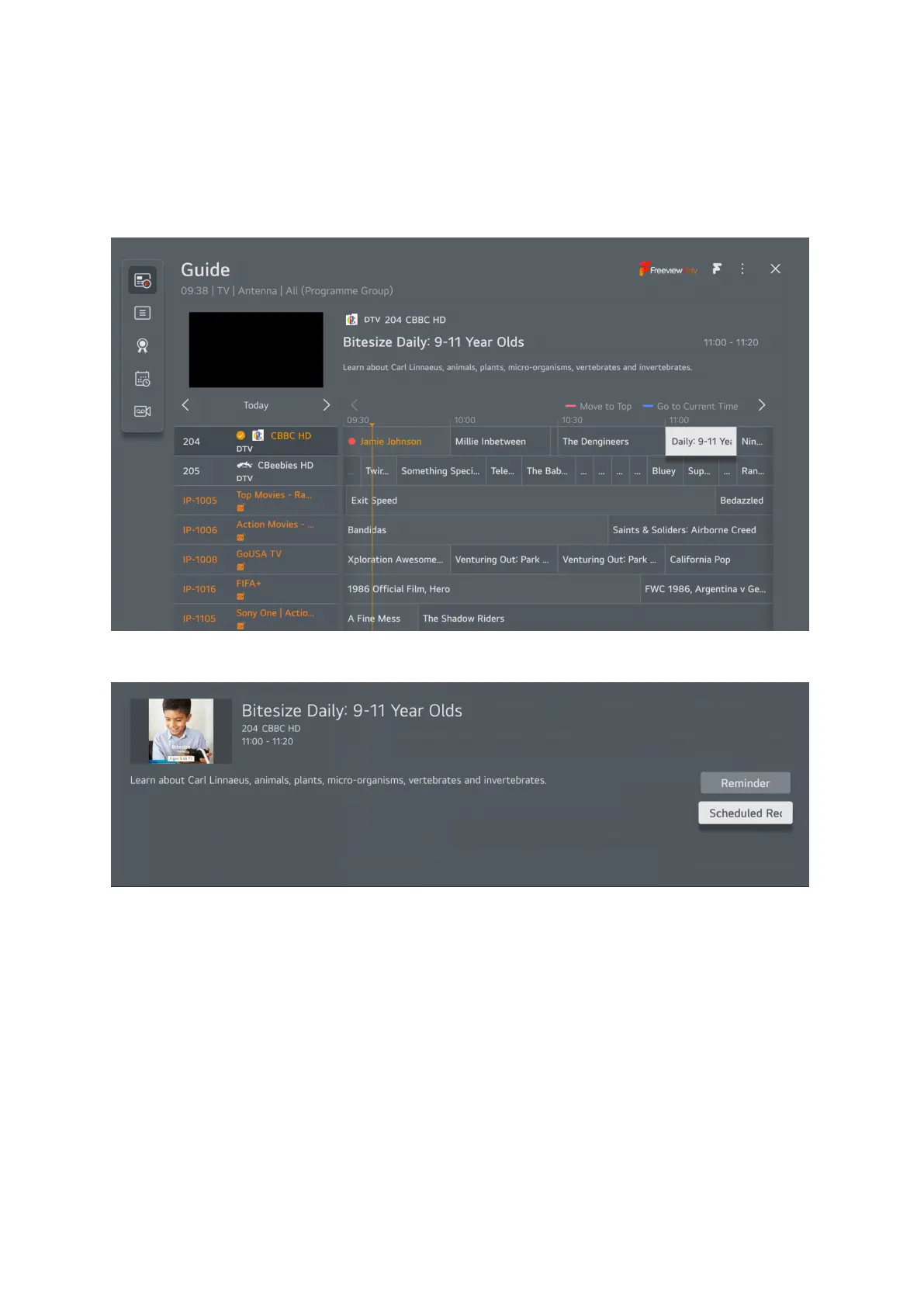
Use the arrow keys on your remote to navigate to the desired program to record, you can use up and
down arrows to move to different channels and the right arrow to move forward in time, you cannot
record something in the past you can only watch that on catchup where available.
Once you find the program you want to record then highlight it
Click the Ok button and the following message will be displayed.
You can choose to set a reminder or schedule a recording, to schedule a recording
choose the second
o
ption and press OK.



 To Next Page