44
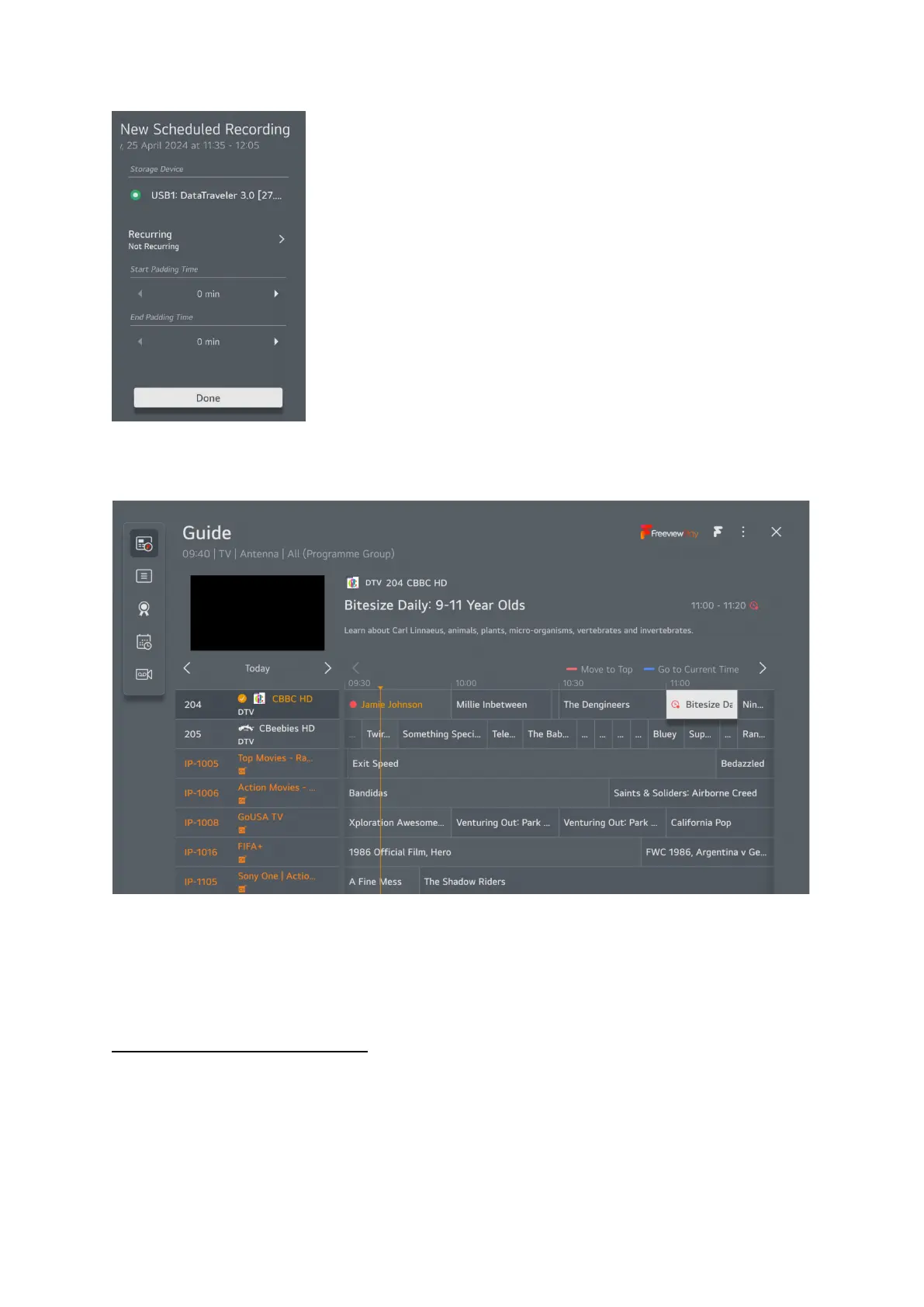
This box will pop up on the right of the screen, you can choose either this episode only or record the
whole series. Whichever you choose a red clock will appear next the program on the guide.
The program is now set for recording, please remember you can’t record a program and watch
another program on the same source at the same time, you can watch something on another source
while the recording is taking place or the TV can be in standby.
How to playback recorded programs
.
You need to have the external storage device on which you made your recordings plugged into the
USB socket on the TV.
When watching TV or satellite press the 3 dots button and select recordings from the pop-up menu.



 To Next Page