15
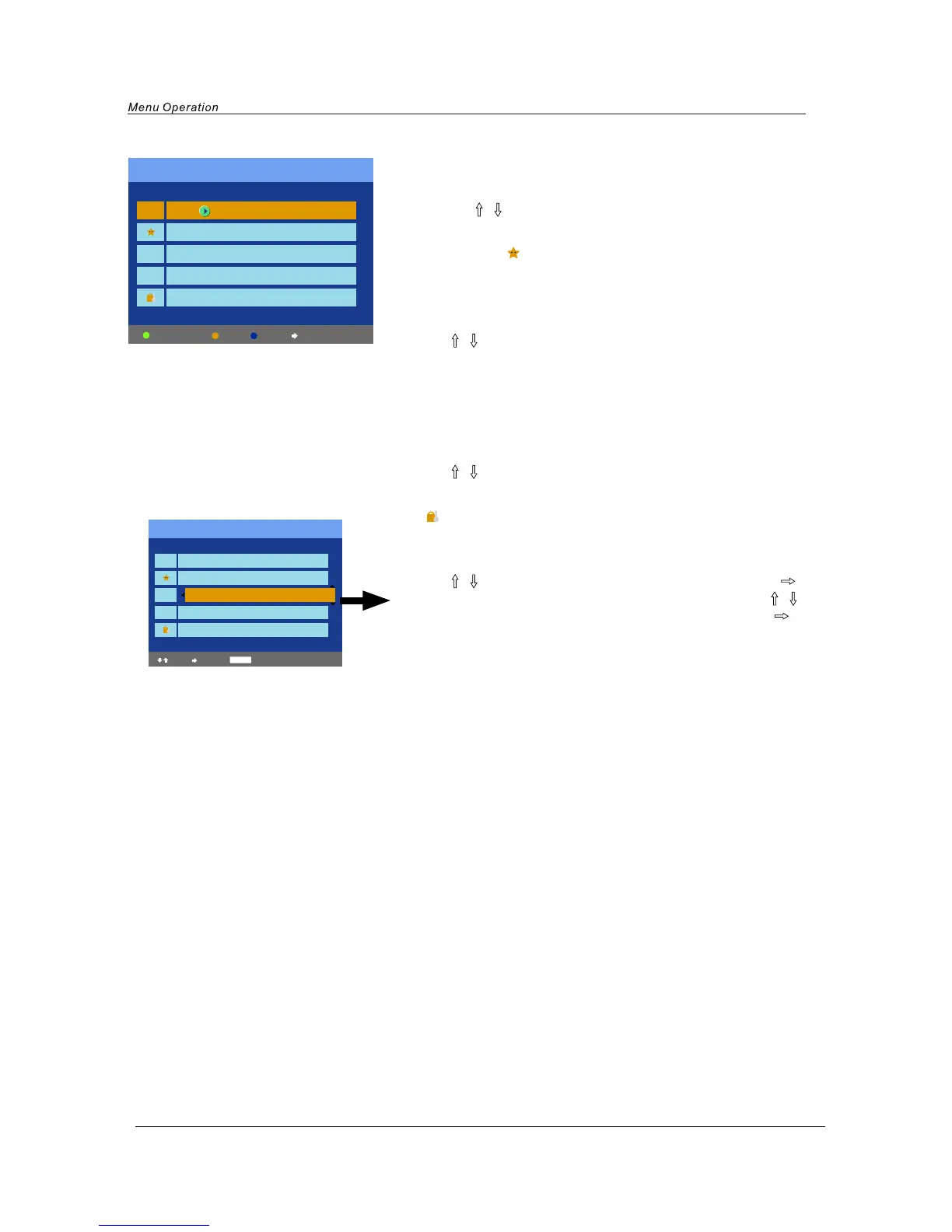
Skip: Skip the channel, the channel will be skiped when you scan
the channels with PROG+/- button.
Use
/ (PROG+/-) button to select the channel, and press the
yellow button on the remote control to set, and there will be a
“X” on the channel, press the yellow button again to cancel.
Such as channel 1,3,4.
Lock: Lock the channel, you have to enter the code(PIN code in
Child Lock menu--Function menu) to view the channel.
Use
/ (PROG+/-) button to select the channel, and press the
blue button on the remote control to set, and there will be a
“ ” on the channel, press the blue button again to cancel.
Such as channel 5.
Move: Adjust the channel’s position.
Use
/ (PROG+/-) button to select the channel, press button
to pull out the channel label(as channel 3), and press
/
(PROG+/-) button to select the position you like, press button
to confirm.
Program Edit
Channel list
Flags
X
X
X
Skip Lock Move
1. BBC1
2. BBC2
3. ITV1
4. CH4
5. CH5
Favorite
Favorite: Set favorite channels.( You could use the FAV button
to view the favorite channels in TV source.)
Use
/ (PROG+/-) button to select the channel, and press
the green button on the remote control to set, and there
will be a “ ” on the channel, press the green button again
to cancel. Such as channel 2.
Channel list
Flags
X
X
X
Move Confirm
Menu Cancel
1. BBC1
2. BBC2
3. ITV1
4. CH4
5. CH5


 To Next Page