EasyManua.ls Logo

Cello TP1906D - User Manual

Cello TP1906D
26 pages
Print Icon
To Next Page IconTo Next Page
Loading...
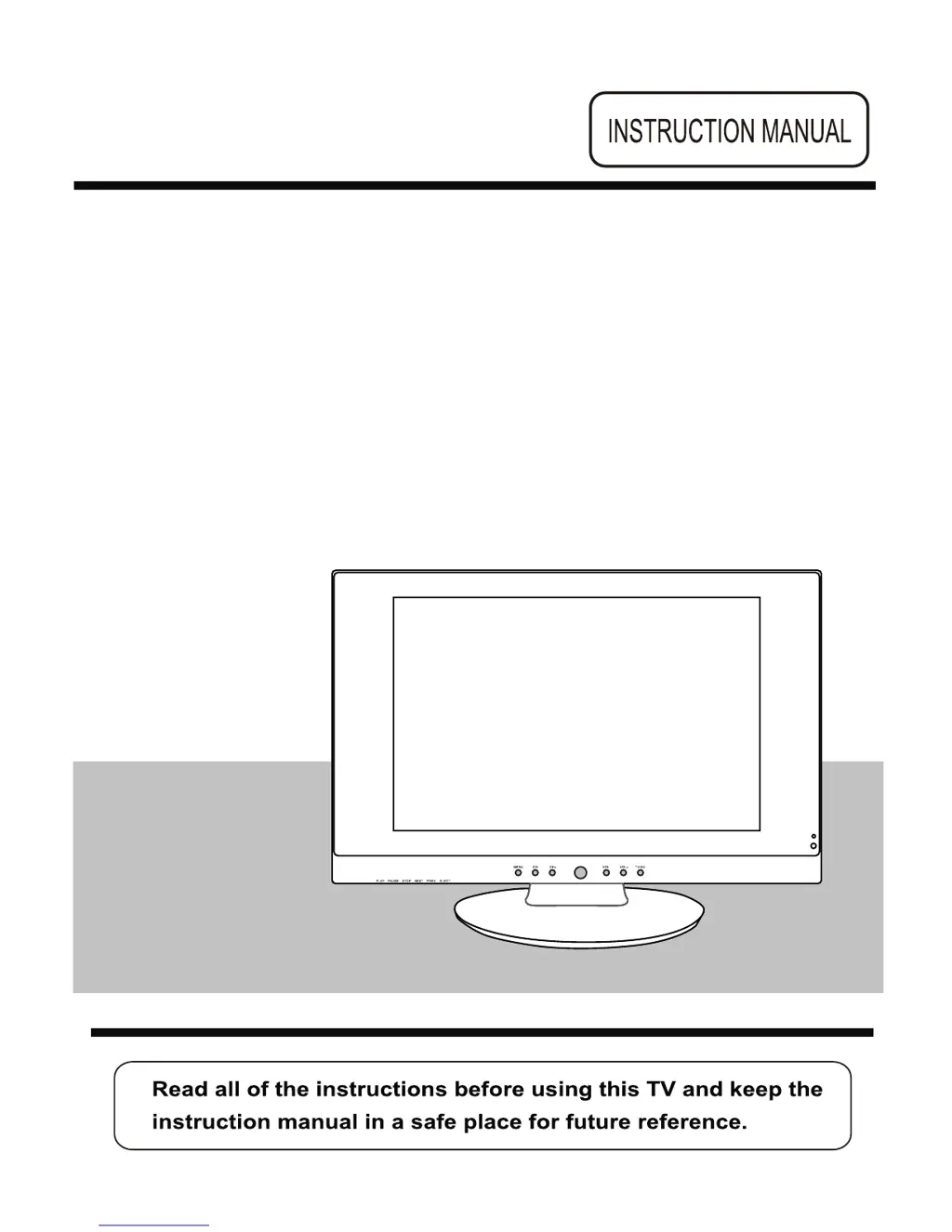
19”Wide screen LCD TV
with DVD
Model No.: TP1906D

Questions and Answers

Summary

19-inch Wide Screen LCD TV with DVD Instruction Manual

Product Cautionary Information

Safety Information and Precautions

Electrical Safety Guidelines

Safe practices for connecting power, avoiding overloads, and handling plugs.

Physical Safety Guidelines

Tips to prevent physical damage to the TV and safe cleaning methods.

Remote Control Key Functions Explained

Basic TV Operation and Menu Navigation

TV Power, Initial Setup, and Volume

Steps for powering on/off, first-time installation, and adjusting audio volume.

OSD Menu and Input Source Management

On-Screen Display (OSD) Menu Adjustments

Guide to accessing and modifying OSD settings for Picture, Sound, Timer, Function, Setup.

Picture Menu Settings and Options

Sound and Timer Menu Settings

Configuring Sound Output Parameters

Adjusting volume, sound modes, bass, treble, and balance for optimal audio.

DVD Playback and Disc Features

DVD System Setup Procedures

DVD System Configuration Details

DVD Digital Setup and Audio Modes

Troubleshooting Common TV Issues

Cello TP1906D Specifications

General IconGeneral
Screen Size19 inches
Display TypeLED
Resolution1366 x 768
DVD PlayerYes
HDMI Ports1
USB Ports1
Audio Output2 x 3W
Power Consumption22W