Hot Keys
10
Using the Quick Keys, you will be able to easliy perform a function with
the CELLTRON ADVANTAGE. .
1.
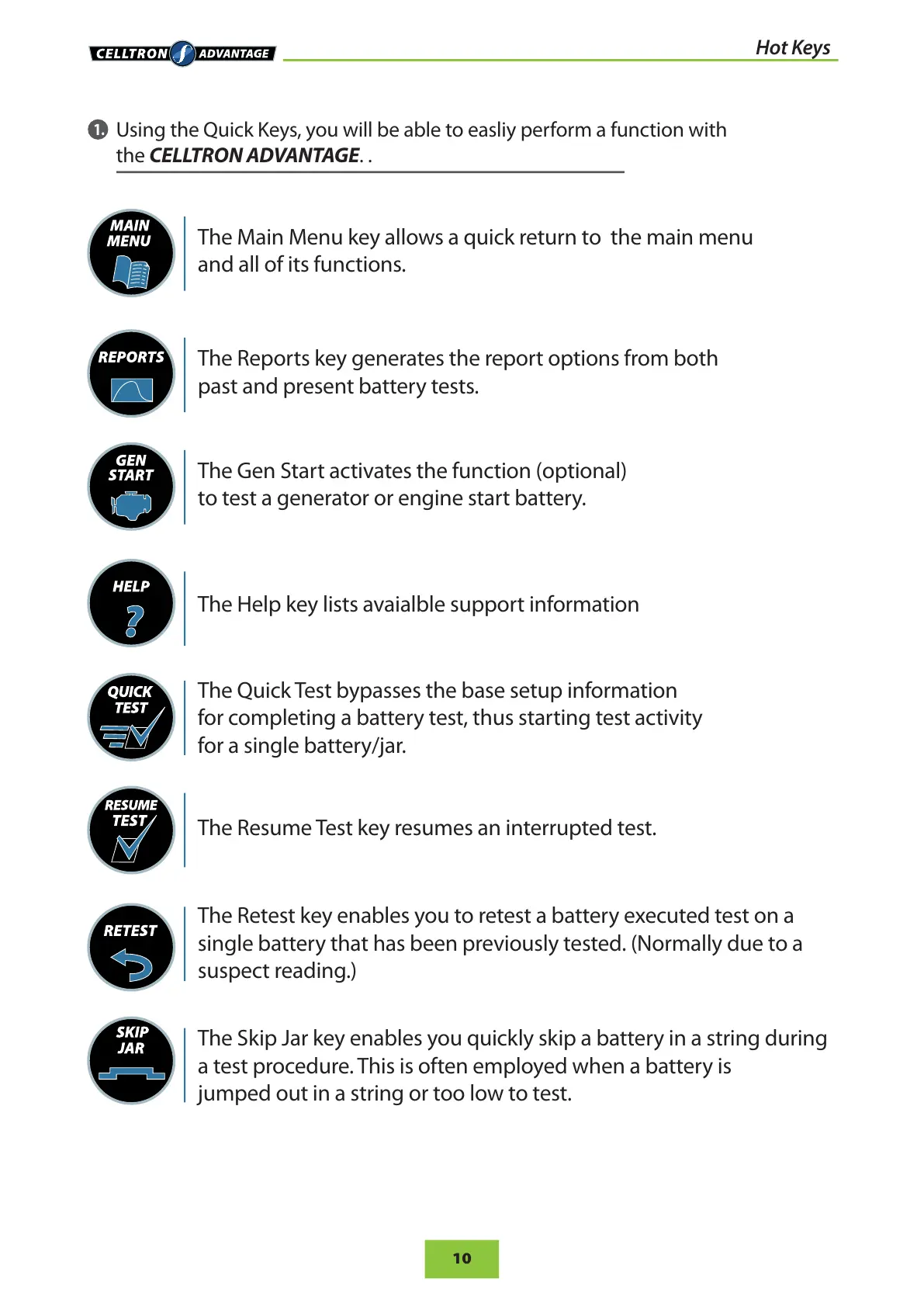
The Main Menu key allows a quick return to the main menu
and all of its functions.
The Reports key generates the report options from both
past and present battery tests.
The Gen Start activates the function (optional)
to test a generator or engine start battery.
The Help key lists avaialble support information
The Quick Test bypasses the base setup information
for completing a battery test, thus starting test activity
for a single battery/jar.
The Resume Test key resumes an interrupted test.
The Retest key enables you to retest a battery executed test on a
single battery that has been previously tested. (Normally due to a
suspect reading.)
The Skip Jar key enables you quickly skip a battery in a string during
a test procedure. This is often employed when a battery is
jumped out in a string or too low to test.


 To Next Page