Main Menu Overview
11
Main Menu Quick Key
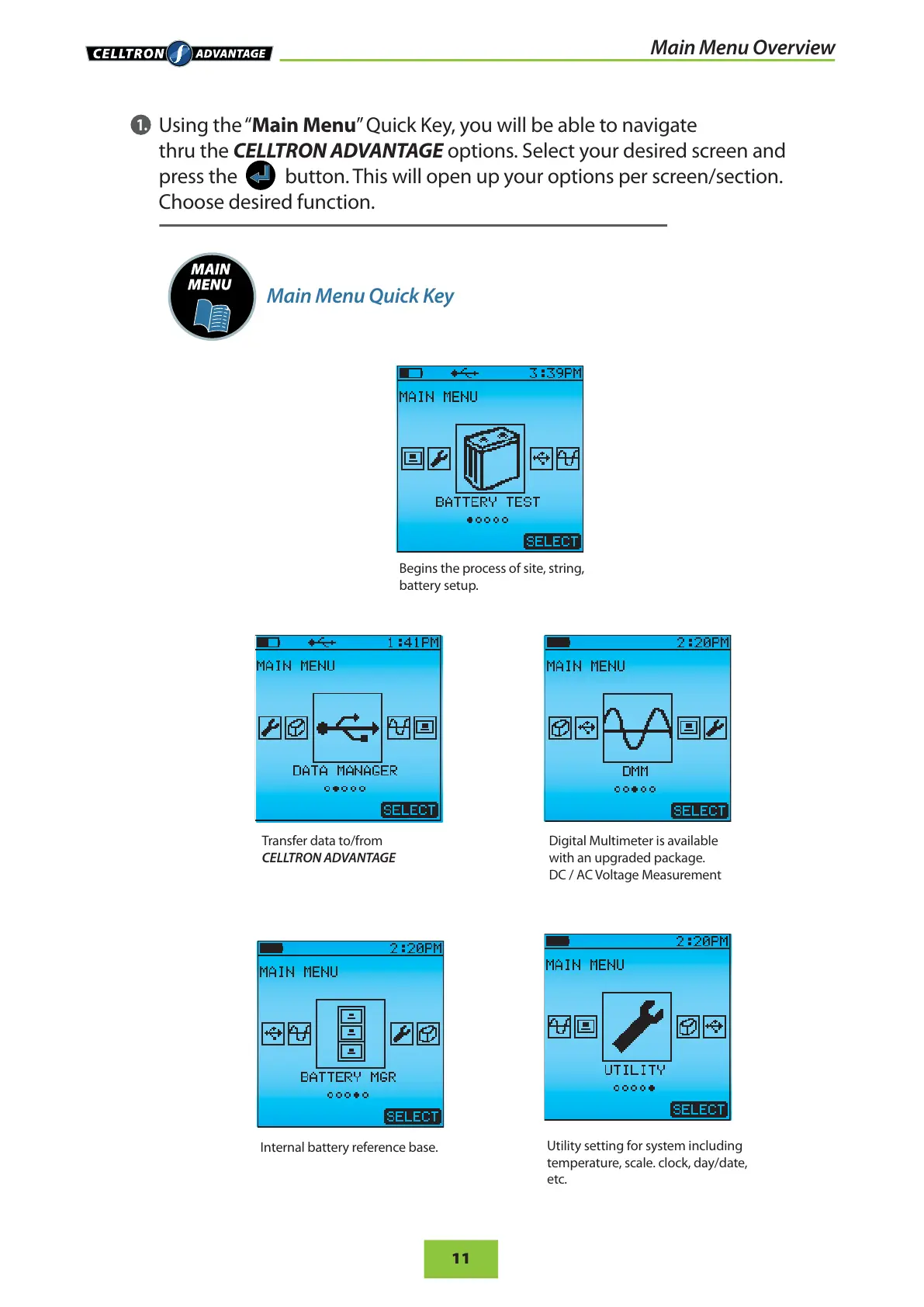
Using the “Main Menu” Q uic k Key, you wi ll be abl e to nav igate
thru the CELLTRON ADVANTAGE options. Select your desired screen and
press the button. This will open up your options per screen/section.
Choose desired function.
1.
Transfer data to/from
CELLTRON ADVANTAGE
Digital Multimeter is available
with an upgraded package.
DC / AC Voltage Measurement
Internal battery reference base.
Utility setting for system including
temperature, scale. clock, day/date,
etc.
Begins the process of site, string,
battery setup.


 To Next Page