15
Use and maintenance manual Rev. 12-2010
ENGLISH
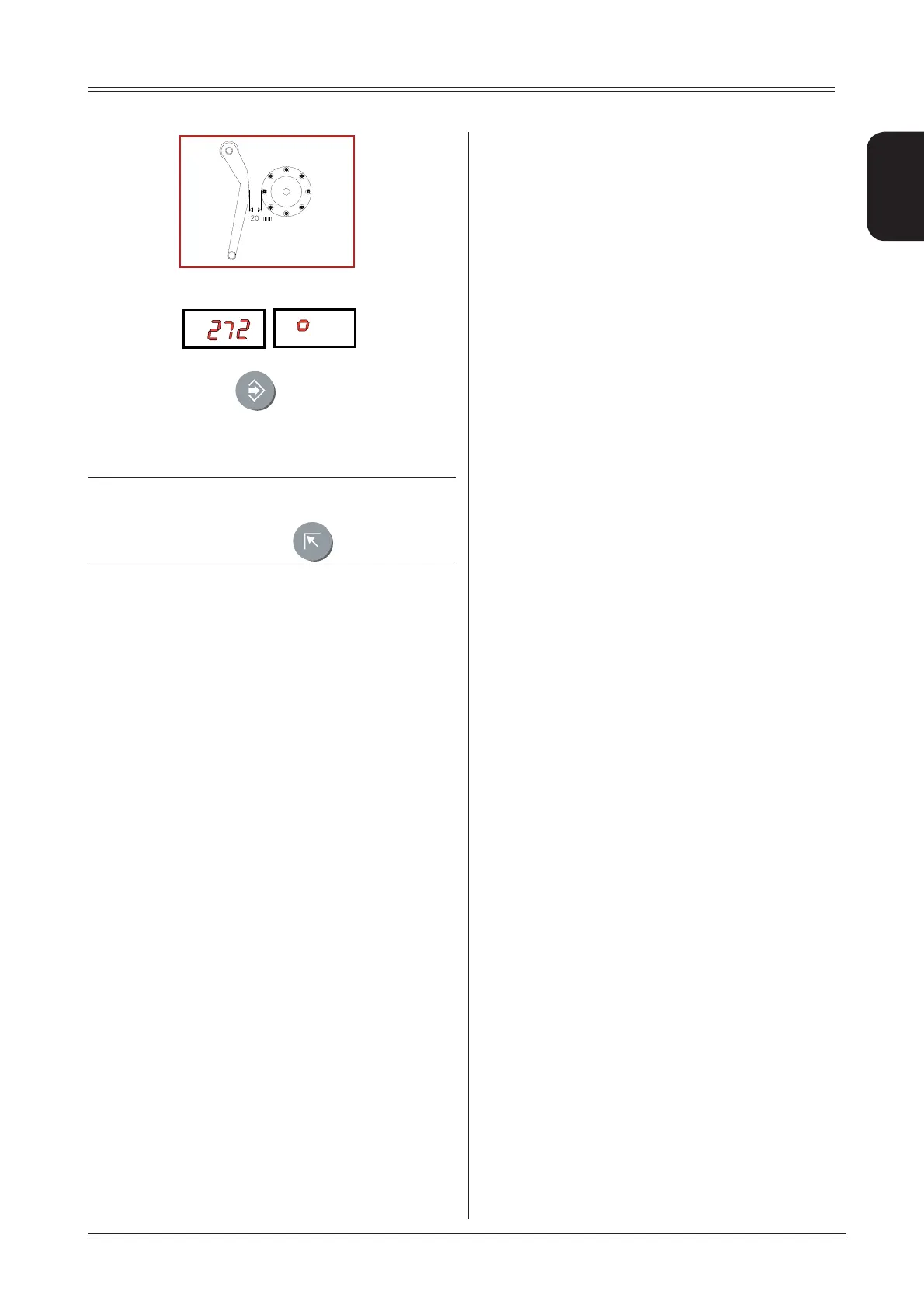
The number 272 ± 3° should appear on the left 5.
display.
If not, press the button
holding the gauge still at 20
mm: the number 272 appears on the left display.
Return the gauge to rest position.
INDICATION
In the event of incorrectly accessing the diameter gauge
calibration function, press to cancel it.
Setup



 To Next Page