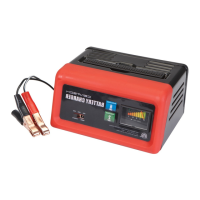
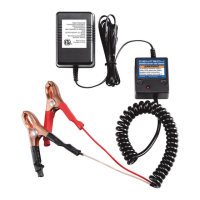
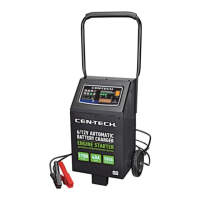
Page 11;&(%$*4.8"4,7%<'*#$"&8#=%/7*,#*%4,77%>?@@@?@AA?BCDC1Item 57015
EF;6GHIJ6KFGLIMNFLMG6MFMO6 FEE6NPQH
G(&'+7*#.&&$"83
J(&+7*5 J&##"+7*%O,'#*# Q"`*7Z%E&7'$"&8#
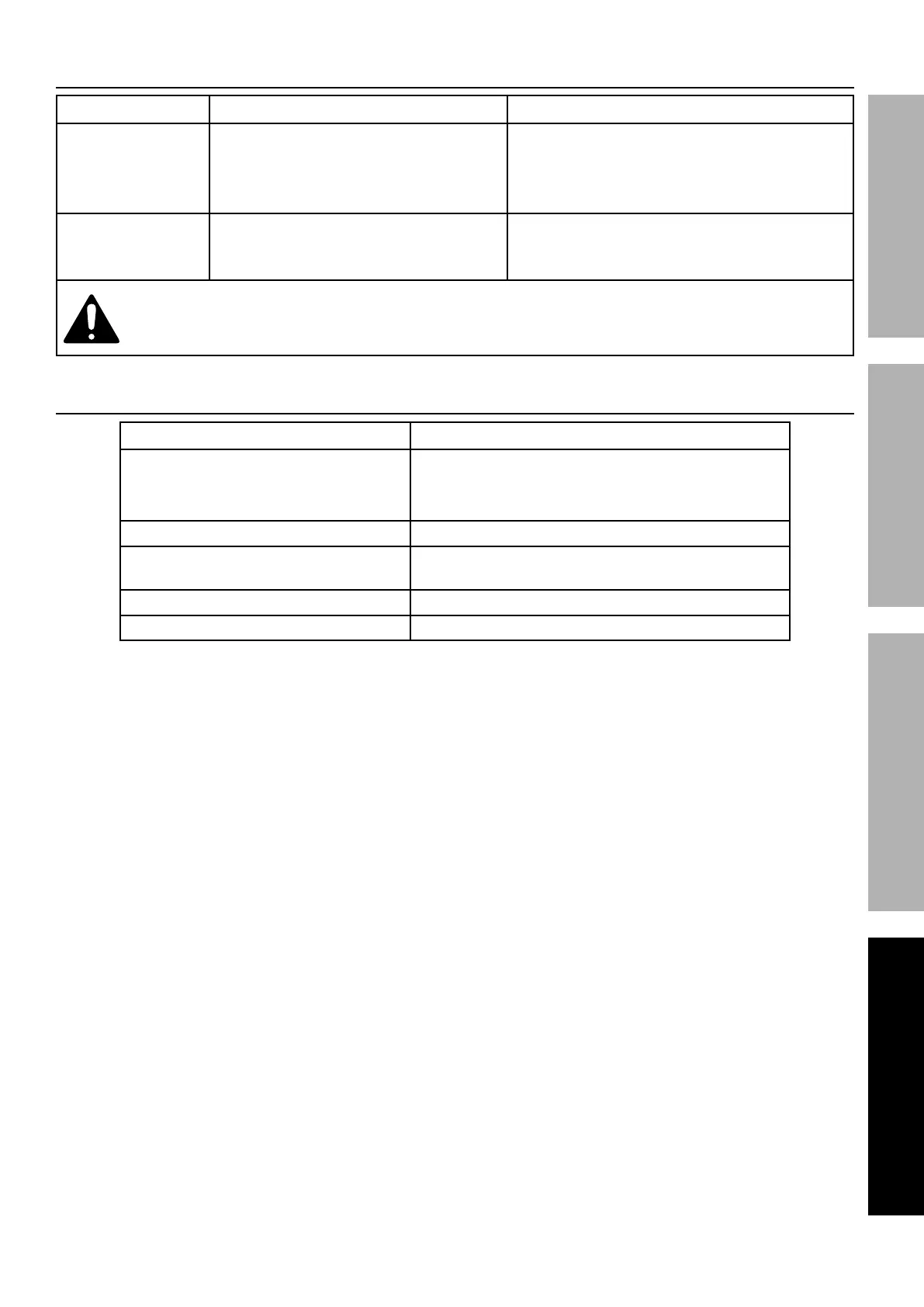
Unit not charging -
LEDs not shown.
1. No power to charger.
2. Battery cables not making connection.
3. Battery voltage too low
or battery is bad.
1. Check power and cable outlet connections.
2. Clean battery cables and reset cable clamps.
3. Check and/or replace battery,
use different charger.
Charging current
not to full output.
1. Battery is partially charged.
2. Defective battery,
will not hold full charge.
1. Continue charging battery.
2. Check and/or replace battery.
;&77&)%,77%#,2*$Z%/(*4,'$"&8#%).*8*_*(%9",38&#"83%&(%#*(_"4"83%$.*%$&&71%%%
T"#4&88*4$%/&)*(%#'//7Z%+*2&(*%#*(_"4*1
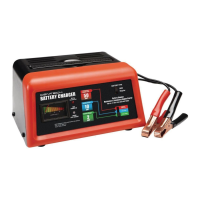
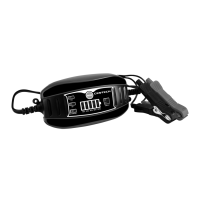
Q6T%L89"4,$&(#
Q6T%L89"4,$&( N*,8"83
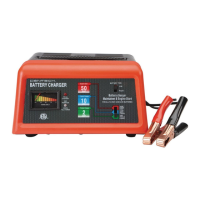
Battery Charge Level/Charge Status
1. Battery Charge Level: 20%-40%-60%-80%-100%
2. Charging: LEDs light up from left to right.
3. Fully Charged: All LEDs light up constantly.
Standby Indicates the charger is powered and ready for use.
Fault
Indicates there is an error or fault, such
as reversed polarity or short circuit.
6V 6V mode
12V 12V mode


 To Next Page