EasyManua.ls Logo

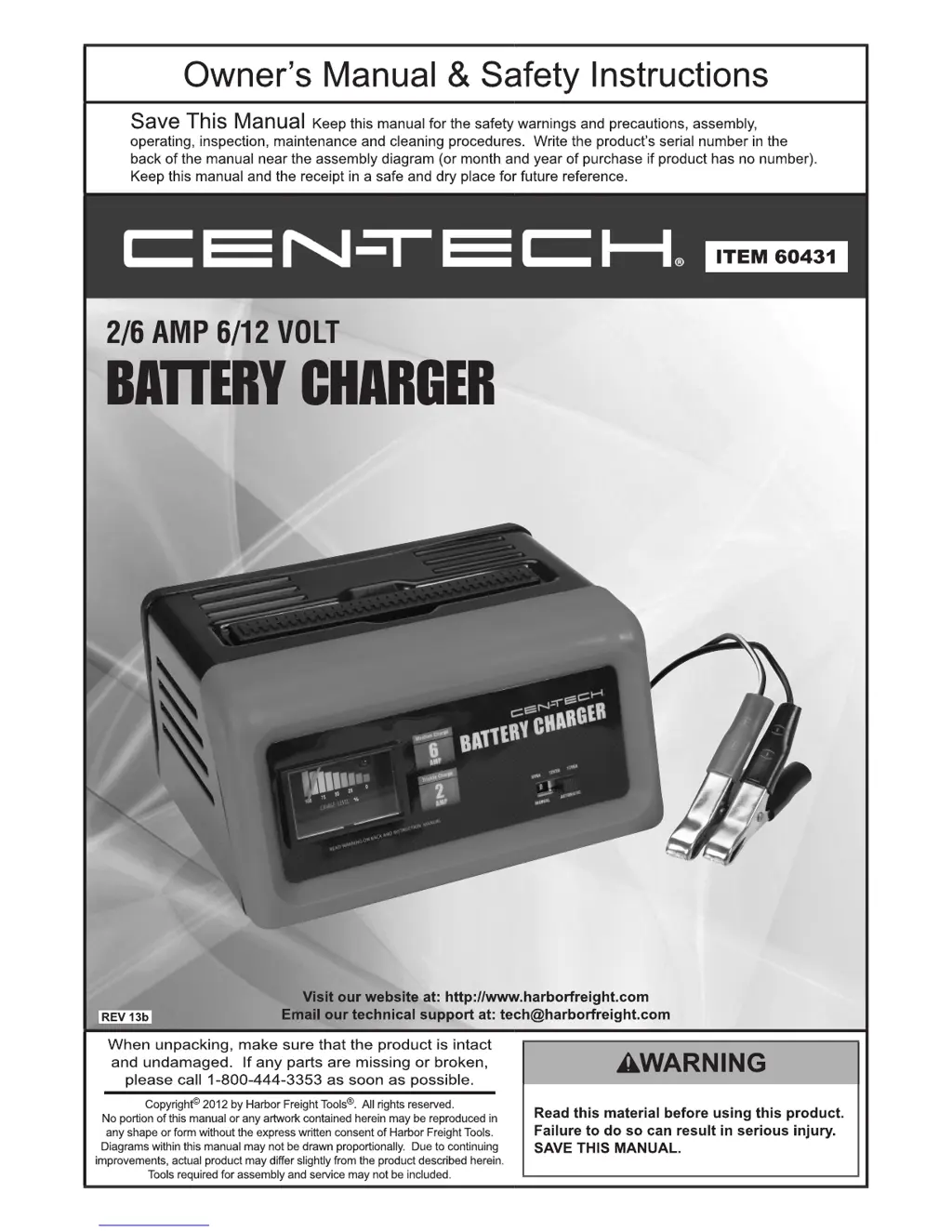
CEN-TECH 60431 - User Manual

CEN-TECH 60431
12 pages
Print Icon
To Next Page IconTo Next Page
Loading...

Other manuals for CEN-TECH 60431

Questions and Answers

  • R
    Randall KellyAug 13, 2025
    What to do if CEN-TECH 60431 Battery Charger needle moves to full charge then drops to zero?
    • J
      Jordan BushAug 13, 2025
      If the Charge Meter needle moves up to full charge and then drops to zero while making a clicking noise, here's what might be happening and what you can do: * **Reversed battery connections:** Double-check the connection polarity. If it's wrong, shut off the charger and correct the cable lead connections. * **Battery is completely dead:** Continue charging the battery. The charger will continue to reset itself until the battery reaches a chargeable level. * **Defective battery:** Check and/or replace the battery. * **Charger is resetting:** Wait until the Charger automatically resets itself after a circuit overload. * **Circuit breaker is cycling:** The switch might be in the wrong position.
  • S
    Sarah MillerAug 16, 2025
    Why is my CEN-TECH Battery Charger charging current not at full output?
    • S
      susanandradeAug 16, 2025
      The charging current might not be at full output for these reasons: * The battery may already be partially charged, in which case, continue charging the battery. * The battery could be defective and unable to hold a full charge. In this case, check or replace the battery.
  • S
    Sabrina SmallAug 21, 2025
    How to fix CEN-TECH 60431 with no charge meter reading?
    • C
      Cristian JohnsonAug 21, 2025
      If there is no Charge Meter reading on your CEN-TECH Battery Charger, consider the following possibilities: * **Battery not connected:** Connect the battery to the charger. The Charge Meter will not show a reading until a battery is attached. * **No power to charger:** Check the power and cable outlet connections. * **Battery cables not making connection:** Clean the battery cables and reset the cable clamps. * **Two-amp charge rate being used:** The meter will not indicate at this rate.
  • M
    Mark BlankenshipAug 25, 2025
    Why is there no ammeter reading on my CEN-TECH 60431 Battery Charger?
    • T
      Tracey JonesAug 25, 2025
      There are several possible causes for this issue. First, the battery may not be connected, so connect the battery to the charger (the ammeter will not show a reading until a battery is attached). Second, there may be no power to the charger, so check the power and cable outlet connections. Third, the battery cables might not be making a good connection, so clean the battery cables and reset the cable clamps. Lastly, if you are using the two-amp charge rate, the meter will not provide a reading at this rate.
  • E
    Eric MillerAug 28, 2025
    Why is the charging current not at full output on my CEN-TECH Battery Charger?
    • A
      Aaron FrazierAug 29, 2025
      The charging current might not be at full output for two primary reasons: either the battery is partially charged (continue charging the battery), or the battery is defective and cannot hold a full charge (check and/or replace the battery).
  • R
    rhonda85Sep 1, 2025
    What to do if CEN-TECH Battery Charger ammeter display reads maximum?
    • E
      erinfloresSep 1, 2025
      If the ammeter display reads maximum, it is likely due to a defective battery. Check or replace the battery.
  • J
    Jonathan WatkinsSep 5, 2025
    What to do if CEN-TECH 60431 Battery Charger display reads maximum?
    • D
      daviskelseySep 5, 2025
      If the Charge Meter display reads maximum, the cause may be a defective battery. Check or replace the battery.
  • J
    jeffrey67Sep 8, 2025
    What to do if CEN-TECH 60431 Battery Charger ammeter needle moves up to full charge, then drops to zero and makes clicking noise?
    • J
      Julie OchoaSep 9, 2025
      This issue may occur due to several reasons: reversed battery connections (double-check connection polarity and correct cable lead connections if wrong after shutting off the charger), a completely dead battery (continue charging; the charger will reset until the battery reaches a chargeable level), a defective battery (check or replace it), the charger resetting itself after circuit overload (wait for automatic reset), or the wrong switch position causing the circuit breaker to cycle.

Summary

Warning Symbols and Definitions

Safety Alert Symbol and Hazard Definitions

Explains safety alert symbol and hazard definitions like DANGER, WARNING, CAUTION, and NOTICE for hazard avoidance.

Important Safety Instructions

General Safety Precautions

Covers essential safety rules for operating the battery charger and handling batteries.

Explosive Gas Hazards

Details risks associated with battery gases and precautions to prevent explosions.

Personal Precautions

Outlines personal safety measures, including eye protection and handling battery acid.

Extension Cord Usage

Provides guidelines and specifications for using extension cords with the charger.

Battery Connection Procedures

Step-by-step guides for connecting the charger to batteries installed in or outside a vehicle.

Safety and Handling Guidelines

Covers safe practices for charger operation, battery types, and general handling.

Specific Warnings and Precautions

Addresses lead exposure, pacemaker users, and grounding requirements for safe operation.

Specifications

Technical Specifications

Lists electrical ratings, charge settings, cable details, and charger features.

Operating Instructions

Controls Overview

Explains the function of the ammeter and mode switch on the charger's control panel.

Ammeter Functionality

Describes how to interpret the ammeter readings during battery charging.

Overcharging Risks

Warns about potential battery damage from continuous charging without monitoring.

Preparing to Charge

Battery Preparation Steps

Details steps for preparing a battery for charging, including cleaning and water levels.

Charger Location Guidelines

Advises on optimal placement of the charger relative to the battery for safety and performance.

Charging Rate and Time

Provides a table with charging rates, times, and typical battery uses.

Charging Battery Installed in Vehicle

Connecting and Disconnecting in Vehicle

Step-by-step guide for safely connecting and disconnecting the charger with a battery installed in a vehicle.

Charging Battery Outside Vehicle

Connecting and Disconnecting Outside Vehicle

Step-by-step guide for safely connecting and disconnecting the charger with a battery outside a vehicle.

Maintenance Instructions

Inspection and Cleaning

Instructions for inspecting the charger's general condition and cleaning external surfaces after use.

Damaged Cord Warning

Alerts users to the danger of damaged cords and the need for professional replacement.

Troubleshooting

Problem Diagnosis and Solutions

A table detailing common issues, their causes, and recommended solutions for the battery charger.

Limited 90 Day Warranty

Warranty Terms and Conditions

Explains the terms, conditions, and procedures for the 90-day limited warranty.

CEN-TECH 60431 Specifications

General IconGeneral
Battery Voltage6V/12V
Input Voltage120V AC
Input Frequency60Hz
Charging ModesAutomatic
Safety FeaturesOvercharge protection, Reverse polarity protection

Related product manuals