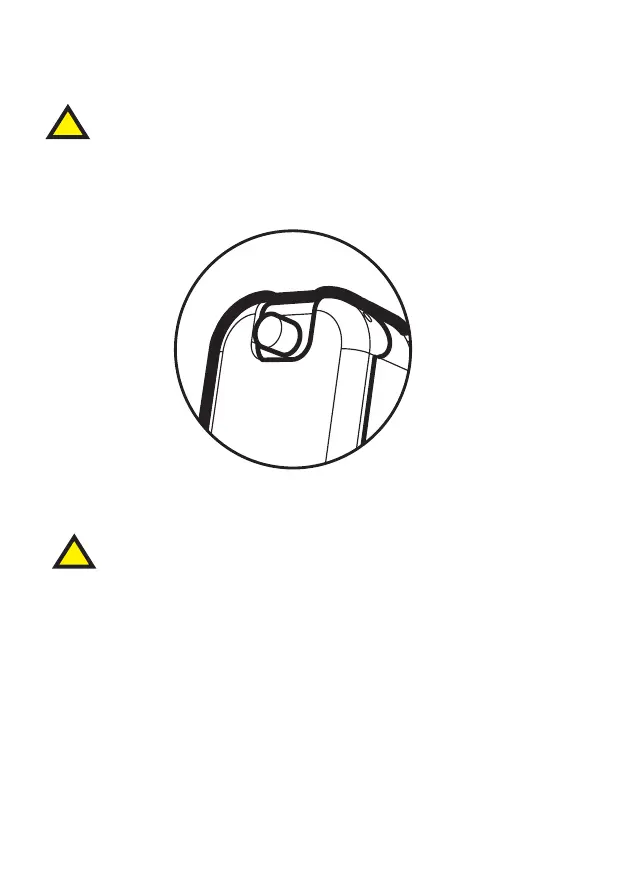
Turning Your CENS ProFlex On & Off
Push and release once to toggle on and off.
The on/off button is located at the top of the electronic module.
14
All controls must be operated with the battery lid closed.
DO NOT use your CENS ProFlex earpieces without either the
electronic or passive module being fitted.
Once the devices are switched on, you will be able to hear sound
as normal; however, when a loud sound is detected the device
will automatically reduce the volume to a safe and comfortable
level. After the loud sound has passed the volume is automatically
returned to normal.
Please note:
DX1 there will be a 0.5s delay followed by a start up melody.
DX3/DX5 instant start followed by voice indicator prompting the
current mode setting.
!
!
¡
helix
lock
2
3
4
helix
lock
5
long press
short press
Dx3 / DxH



 To Next Page