5
1
0
0
0
6
0
0
6
0
0
V
1
0
0
0
6
0
0
P
E
A
K
M
I
N
M
A
X
4
0
V
V
H
z
R
A
N
G
E
R
E
L
A
1
0
0
0
6
0
0
1
m
S
H
O
L
D
IV. Measuring Instruction:
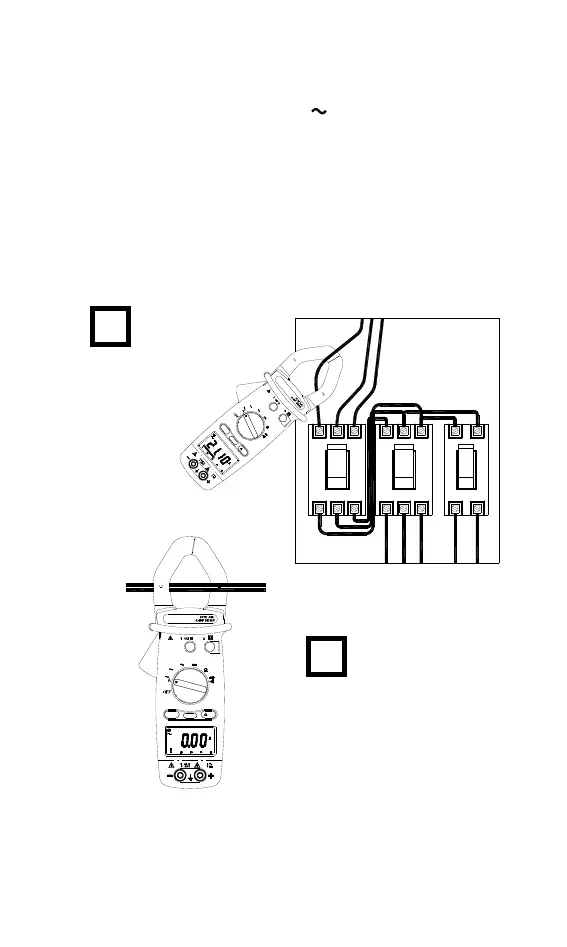
4.1 AC Current Measurement:
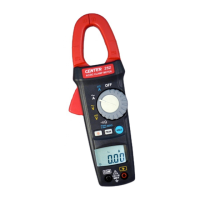
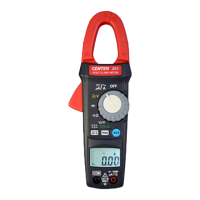
Switch the main function selector to
range.
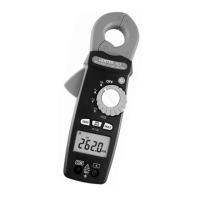
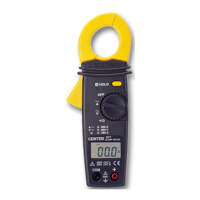
Open the clamp by pressing the jaw-opening handle and insert the
cable to be measured into the jaw.
Close the clamp and get the reading from the LCD panel.
Note:
Before this measurement, disconnect the test lead with the meter for
safety.
In some occasion that the reading is hard to read, push the HOLD
button and read the result later.
CORRECT
INCORRECT
( 2 wires inside )
1000
600
600V
1000
600
PEAK
MINMA X
40
V
V
Hz
RANGE
REL
A
1000600
1mS
HOLD



 To Next Page