14
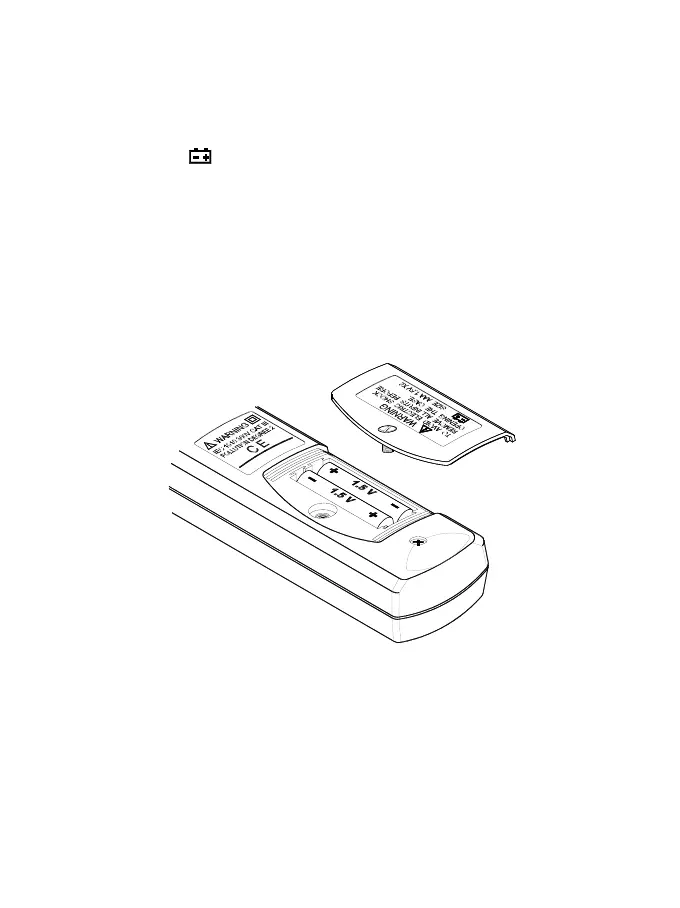
V. Battery Changing:
1.When the battery voltage drops below proper operation range the
symbol will appear on the LCD display and the battery will need
to be changed.
2.Before changing the battery, switch the function selector to “OFF ”
and disconnect test leads.
Open the back cover using a screw driver. Replace the old batteries
with two UM-4 or AAA size batteries.
3.Close the back cover and fasten the screw.



 To Next Page