Hygro-Thermometer
5
To start:
(1) Press
button. MAX symbol lights up on LCD, the reading shows the maximum data.
(2) Press
button again to show minimum data; the MIN symbol lights up on LCD.
(3) Press
button again, the MAX and MIN symbol blinks together. The reading shows
present humidity and temperature.
(4) Press
button again, MAX symbol lights up, and the mode returns to (1).
To exit:
Press and hold
button for 2 seconds to stop storing maximum and minimum data.
Note: When the unit is in the MAX/MIN mode,
button is disabled.
○
7
Data-Hold mode
Press
button to freeze the data shows on the LCD screen. Press again to exit Data-Hold
mode.
Note: When the unit is in the Data-Hold mode, the
, , and buttons are
disabled.
○
8
Selecting temperature units
By default, each time the unit is powered on, the scale is set to the Celsius (°C). Press the
button to switch between Celsius (°C) and Fahrenheit (°F).
○
9
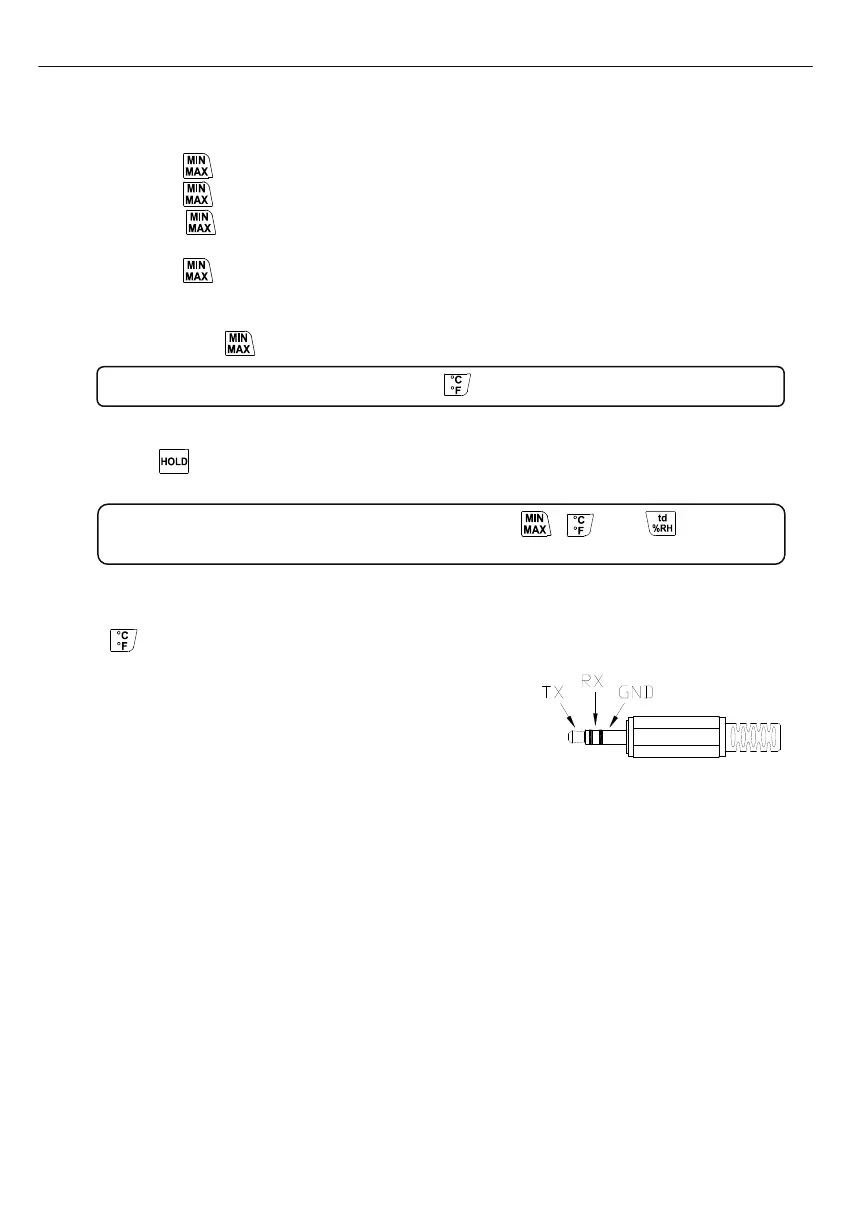
PC Interface
The PC jack signal output is a 9600 bps N 8 1 serial
interface. Use the USB cable (standard accessory) to
connect with a computer.
○
10
External DC 9V power supply jack
Connect the AC adapter (optional accessory) to use external power.
○
11
Tilt stand
○
12
Battery Compartment



 To Next Page