5
FIRESTAR COMBUSTION CONTROLLER - VERSION 6.7 • OPERATION MANUAL
5. Center menu button - used to enter the menu system to adjust settings, and
to enter changes to those settings when used in combination with the up
and down arrows.
6. Left arrow button - to lock the controller, quickly press the left arrow
button four times. LOCK will display on the LED display.
7. Status indicator LEDs - display the current state of furnace operation. A
description of the operation of each light is given in the furnace operating
modes section of this manual. e Connected LED indicates the status of
the controller’s wi- connection, when enabled.
8. IGNITION AIR button - used to bypass the normal door open function. If this
button is pressed while the furnace door is open, the primary air actuator
will open, helping to light the re in the rebox.
Outdoor Furnace Operation
Power
When the controller is o, the LED display will be o. To turn the controller
on or o, press the Power button. Upon startup, the controller will display a
number indicating the software version number followed by the furnace model
number. Once the controller is on, briey pressing the Power button will
display the software version number. e settings and operation described in
this manual are for software version 6.7. Other software versions will operate
dierently.
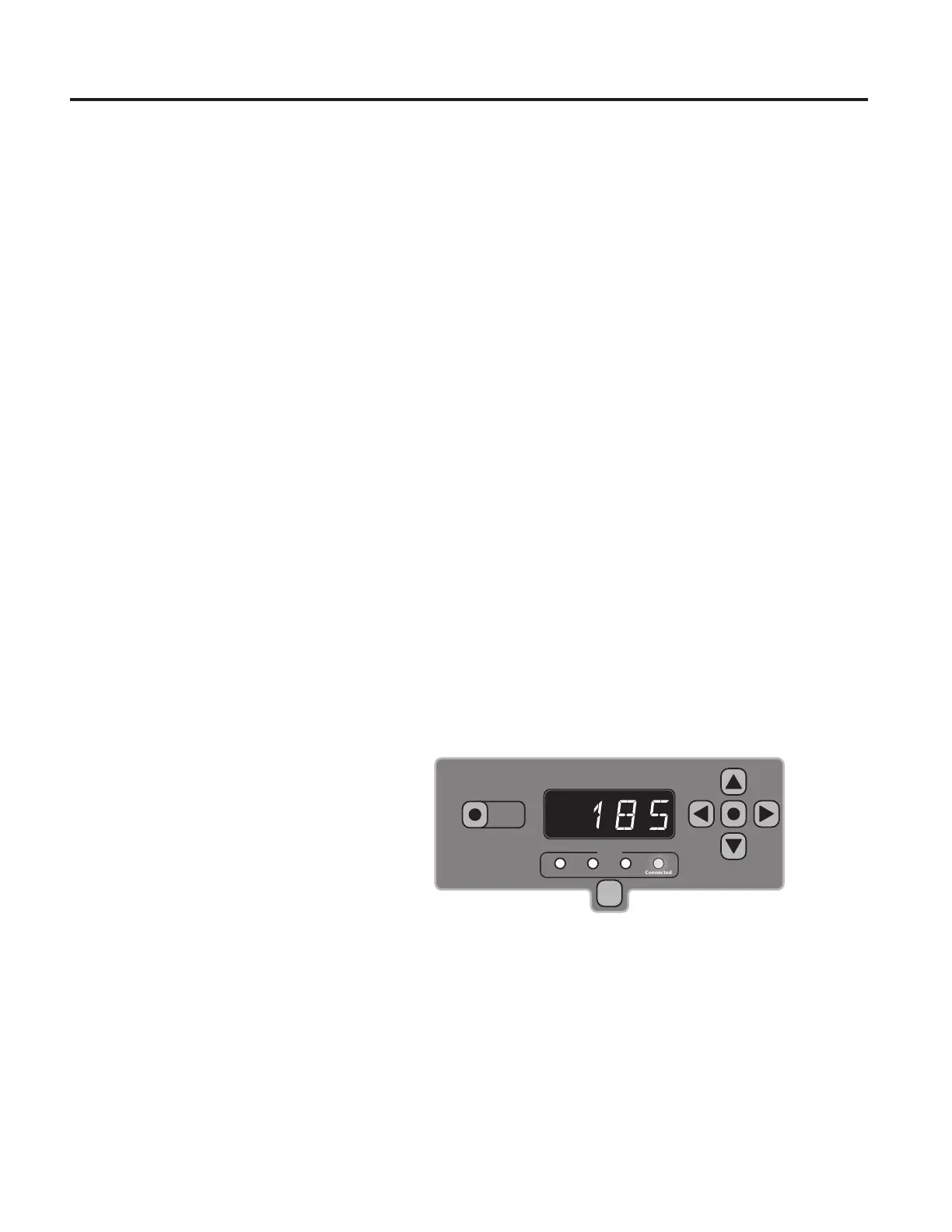
Standby/Idle
Status
Fan Primary Secondary Connected
Power
IGNITION
AIR
After the water temperature has risen above the Water Temperature Setpoint,
the controller will go into Idle. When in Idle, the LED will alternate between
furnace water temperature and combustion temperature and the fan, primary
and secondary air lights will be o. e connected light may be on, depending
on wi- connection status.


 To Next Page