5. Features and functions
Introduction
The D5-Evo and D10/D10 Turbo sliding gate operators’ advanced
functions are controlled by intelligent micro-controller based electronic
controllers.
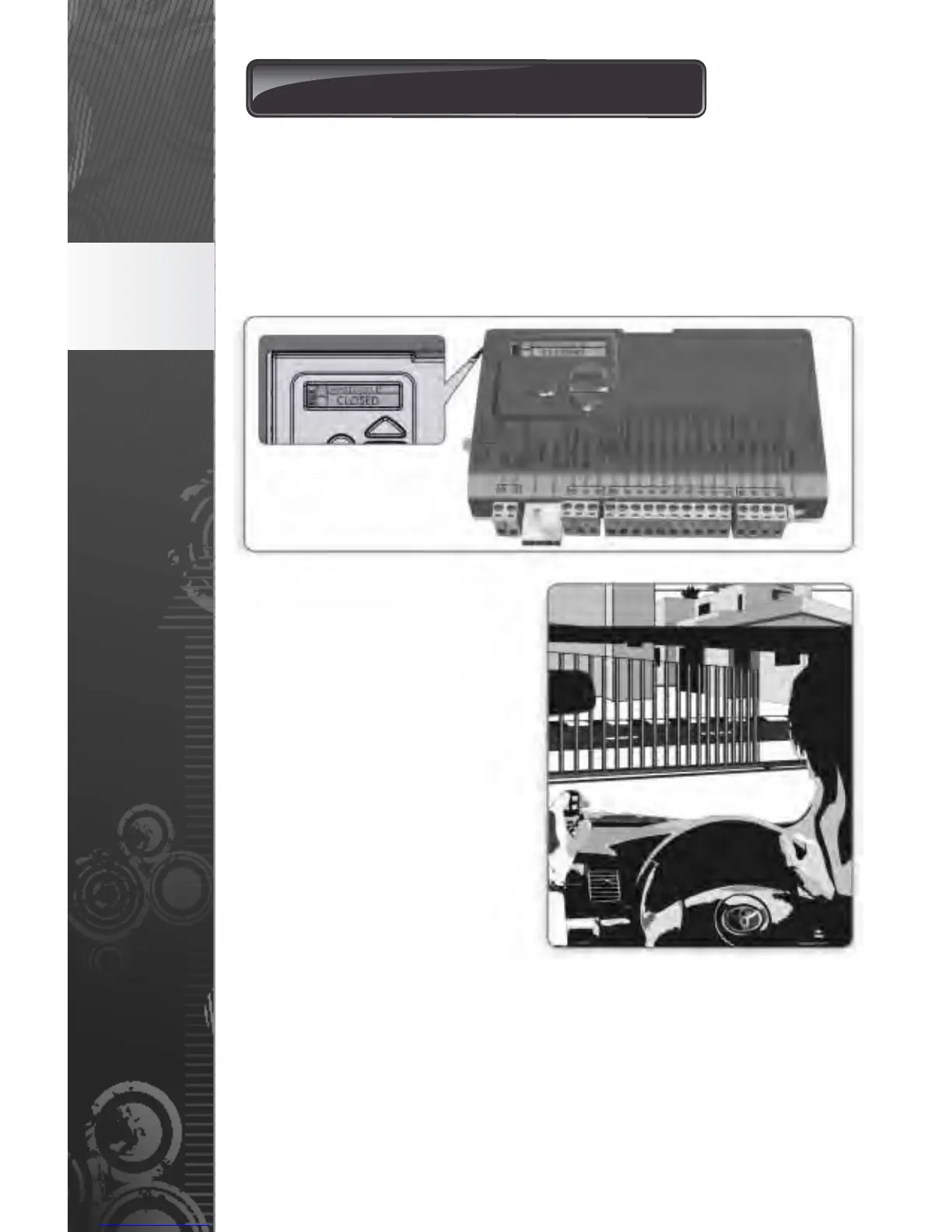
An intuitive LCD (Liquid Crystal Display) controller with a user-friendly
menu allows for quick and easy set-up and the ability to change
functions at the touch of a button and displays useful diagnostics.
5.1. Gate operation
5.1.1. Full Gate Opening
The CENTSYS remote controls
that operate with the onboard
receivers of the
D5-Evo, D10 and D10 Turbo
sliding gate operators are used
to operate the gate. However,
most automatic gate
installations are also fitted with
an intercom, which provides for
communication between the
house / building and the gate.
The handset is usually fitted
with a gate / door release
pushbutton, which when
pressed, will operate the gate.
FIGURE 10
FIGURE 11
page 8
Features
and
functions
5.1.2. Modes of Operation
To operate the gate to open fully, the D5-Evo, D10 and D10 Turbo ave
a number of operating modes to choose from depending on the
application. Only one mode can be selected at any given time.
5.1.2.1. Standard Mode
Standard Mode is the most commonly used mode for domestic
applications as it allows full control of the gate. Press the button of
the remote control or the gate / door release pushbutton on the
intercom for approximately one second to get the gate in motion


 To Next Page