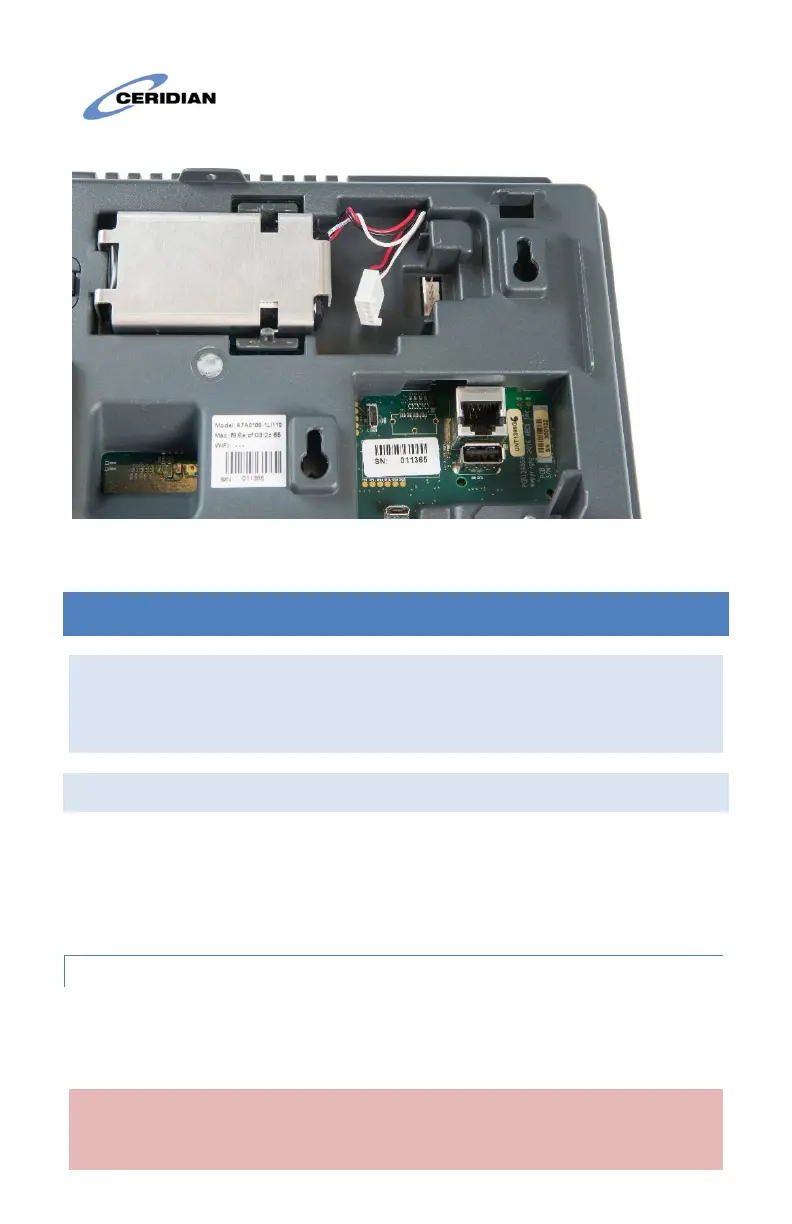
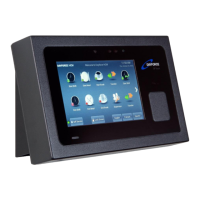
Clock with battery installed but not connected
8 BATTERY PACK INSTALLATION INSTRUCTIONS
Disclaimer: These instructions are for battery pack model L18650-2ACR,
manufactured by Fedco Batteries. Use of any other battery is not covered by
this document is potentially hazardous and will void the Dayforce Touch Clock
warranty.
8.1 L18650-2ACR Battery Instructions
This product may be supplied with a rechargeable Lithium Ion battery.
The following are important safety instructions for using, storing, and
disposing of the battery.
8.1.1 Disposal for Li-Ion Battery Pack
The rechargeable battery contains the following components that must
be disposed of in accordance with local regulations: Lithium Ion cells.
CAUTION: When the battery is worn out, insulate the connector
terminals with adhesive tape or similar material before disposal.


 To Next Page