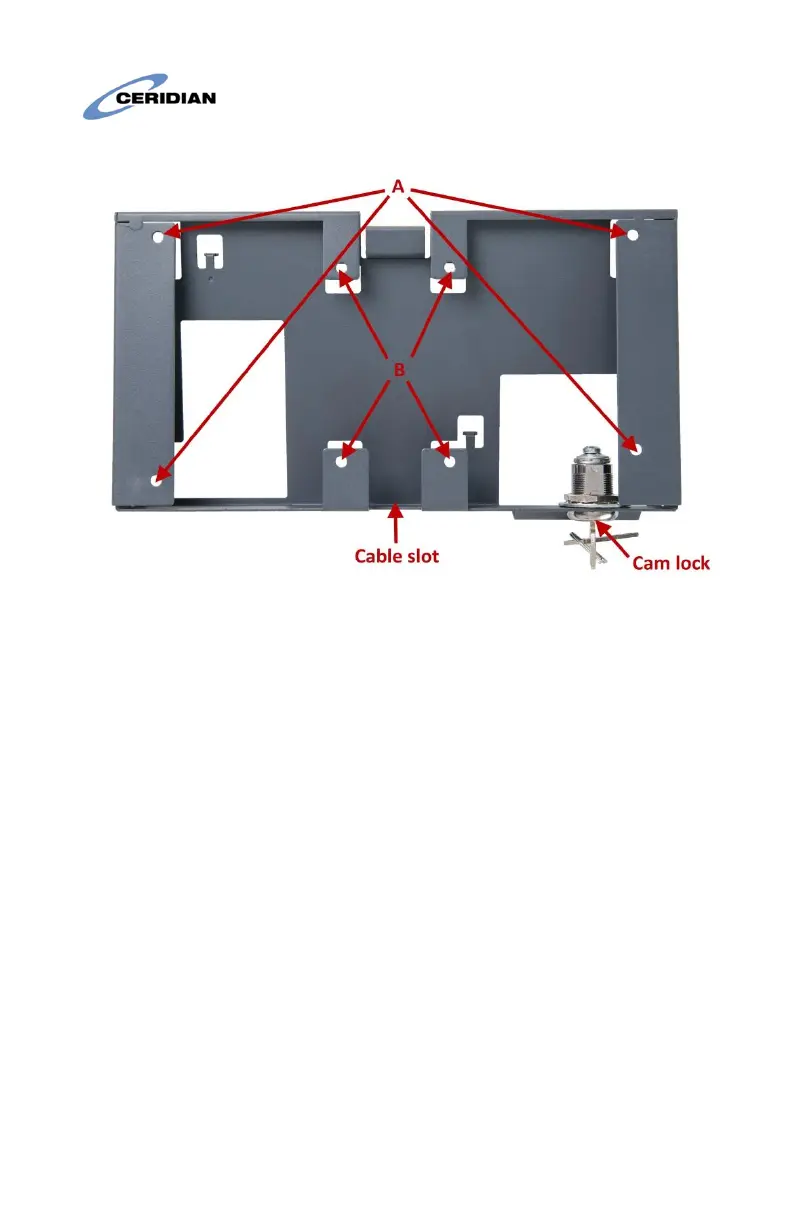
Figure 1: Wall-mount from rear
Use the holes marked A in Figure 1 to mount the clock to a wall, or the
holes marked B to attach the wall-mount to a standard NEMA double
gang electrical box.
The recommended height for mounting the clock differs depending on
your organization’s needs:
• To accommodate users in wheelchairs, install the wall-mount
with its top edge 48 inches from the ground.
• If the camera feature will be used, or if wheelchair access is not
required, install the wall mount with its top edge 56 inches from
the ground.
If the wall-mount is attached to an electrical box, insert the low-voltage
power cable and network cable through the wall. If the wall-mount is
attached to a wall, insert these cables through the cable slot.
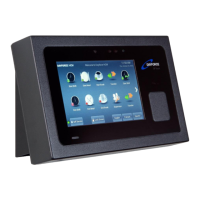
Figure 2 shows a wall-mount attached to the wall with the low-voltage
and network cables fed through the cable slot into the lock area. The
cam lock arm must be at 90 degrees to the wall.


 To Next Page